




Home / FullScreen ERP / Users, branches, and permissions
Users, branches, and permissions
Full control over what each user sees and does, from a single branch to a franchise network, on a local or wide area network or in the cloud.
In brief
The users, branches and permissions module controls what each user sees and does, with unlimited users, from a single branch to a franchise network, on a local or wide-area network or in the cloud.
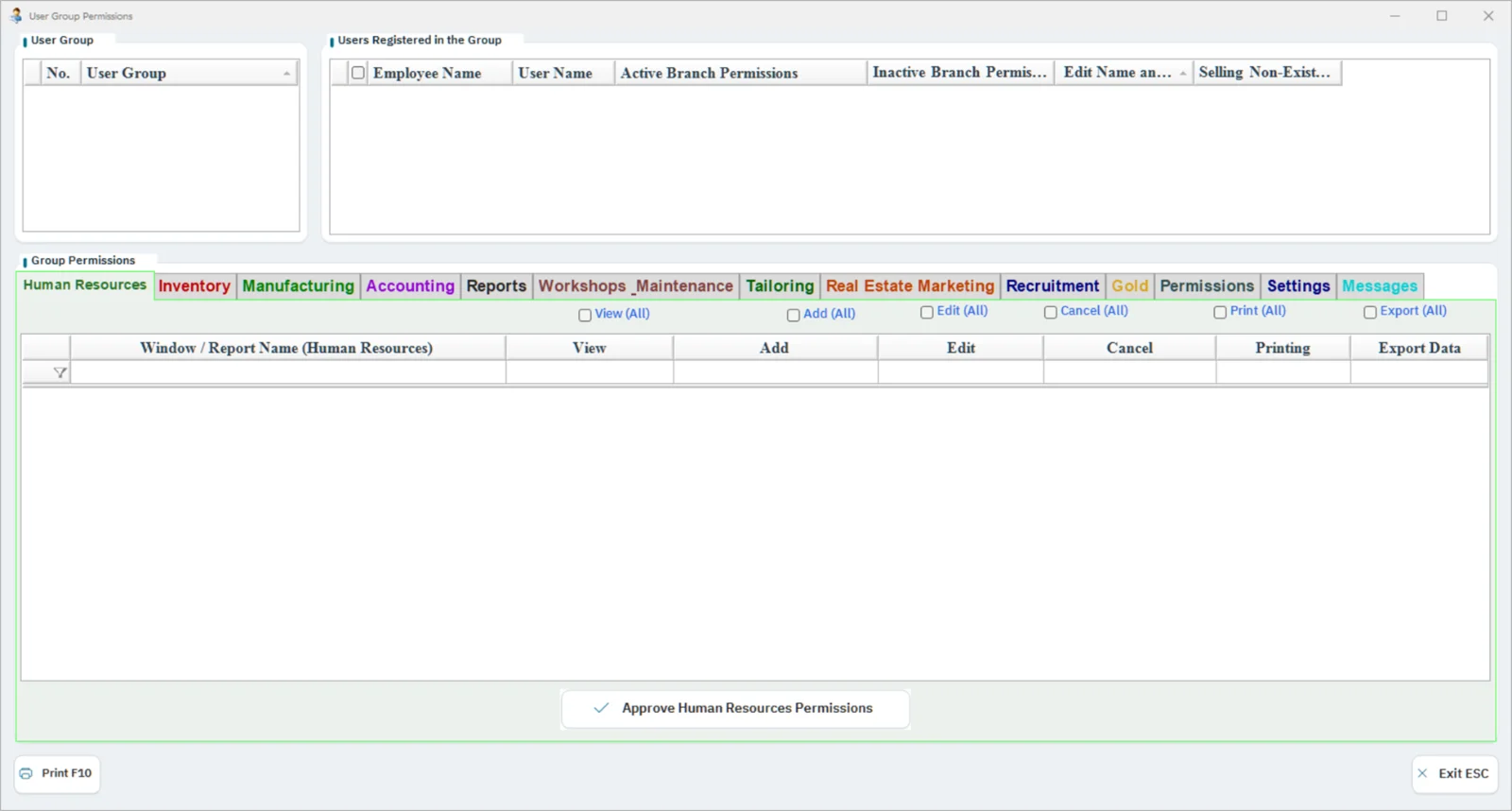
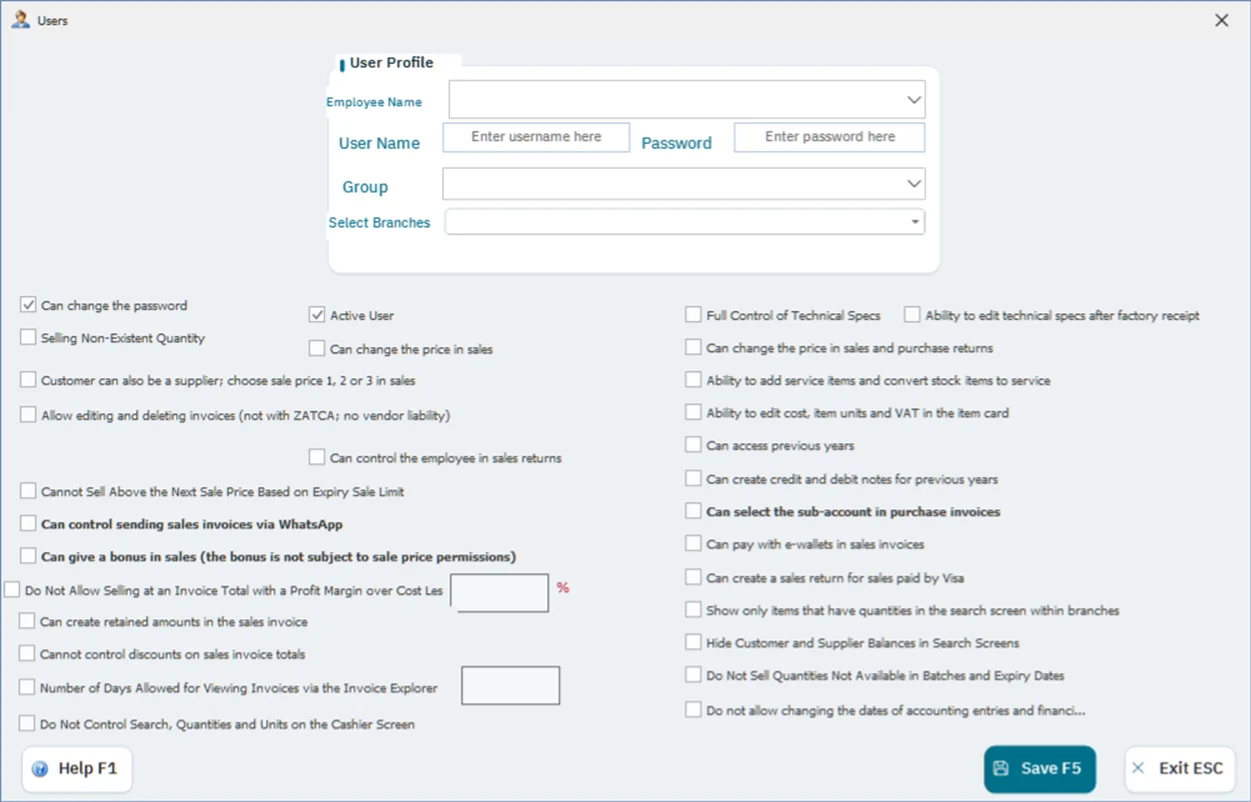
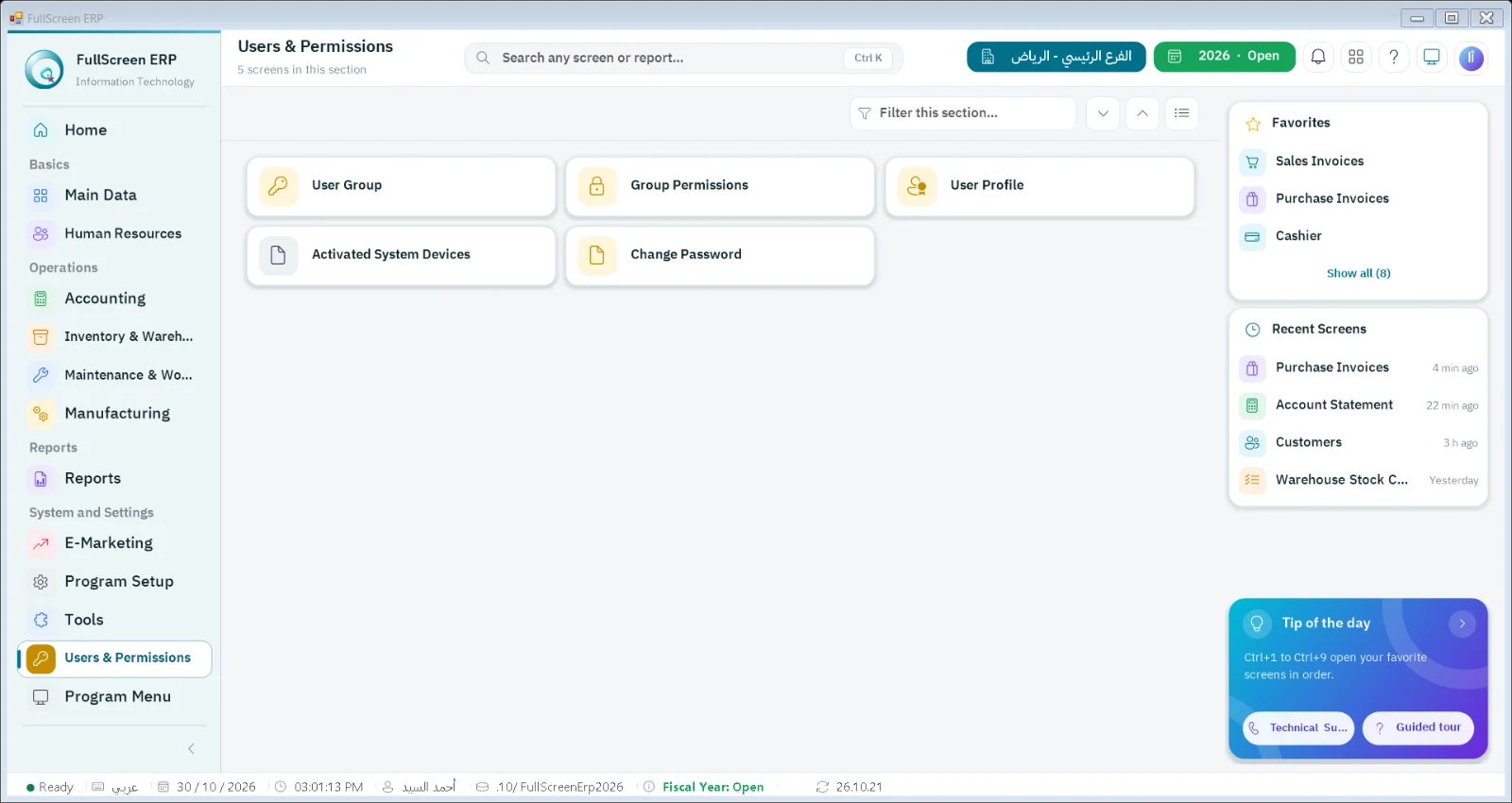
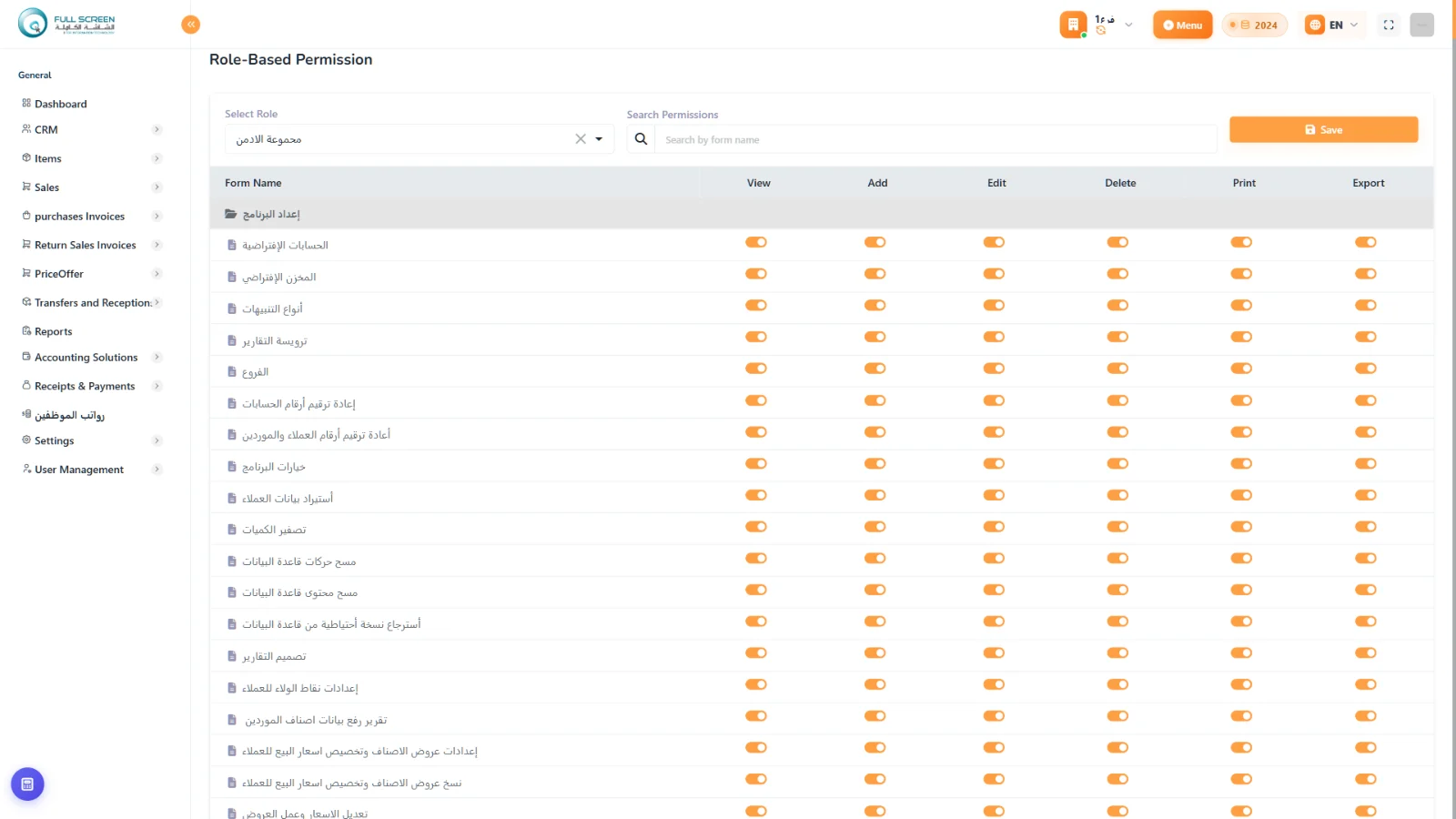
Workflow
Create userAssign branchSet permissionsMonitoring
Features
Unlimited usersNo extra fee per user
Granular permissionsAt the screen and transaction level
Branch structuresSingle branch, chain, multi-department branches, franchises
NetworksLAN, WAN, and the cloud
System toolsUpdates, theme changes and technical support requests from within the system
Reports
- User login log
- User performance
- Permissions by user
How it connects to the rest of the system
Screen- and operation-level permissions control what each user sees and does across all modules, and branches run on a local network (LAN), a wide-area network (WAN) or the cloud.
Sectors that rely on this module
Free tools related to this module
Questions about Users, branches, and permissions
Are there per-user fees?
No, an unlimited number of users with no additional per-user fees.
What branch structures are supported?
A single branch, a branch chain, multi-department branches, and a franchise network.
How do I get technical support?
From inside the system through the system tools, along with updates and theme changes.
Let's start with your needs
Tell us about your business, and we'll arrange a demo or consultation within one business day.