




Home / FullScreen ERP / Warehouses and items
Warehouses and items
Item cards with barcodes and units, multiple warehouses, inter-branch transfers, and periodic and perpetual stock counts. The stock in the system is the stock on the shelf.
In brief
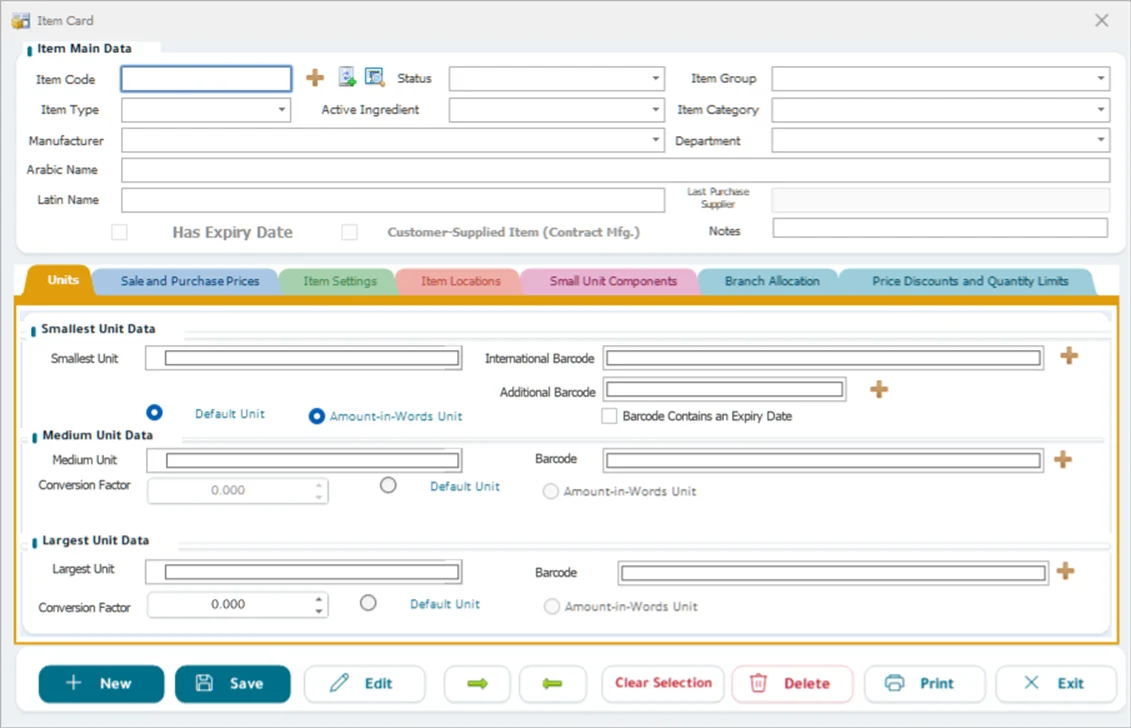
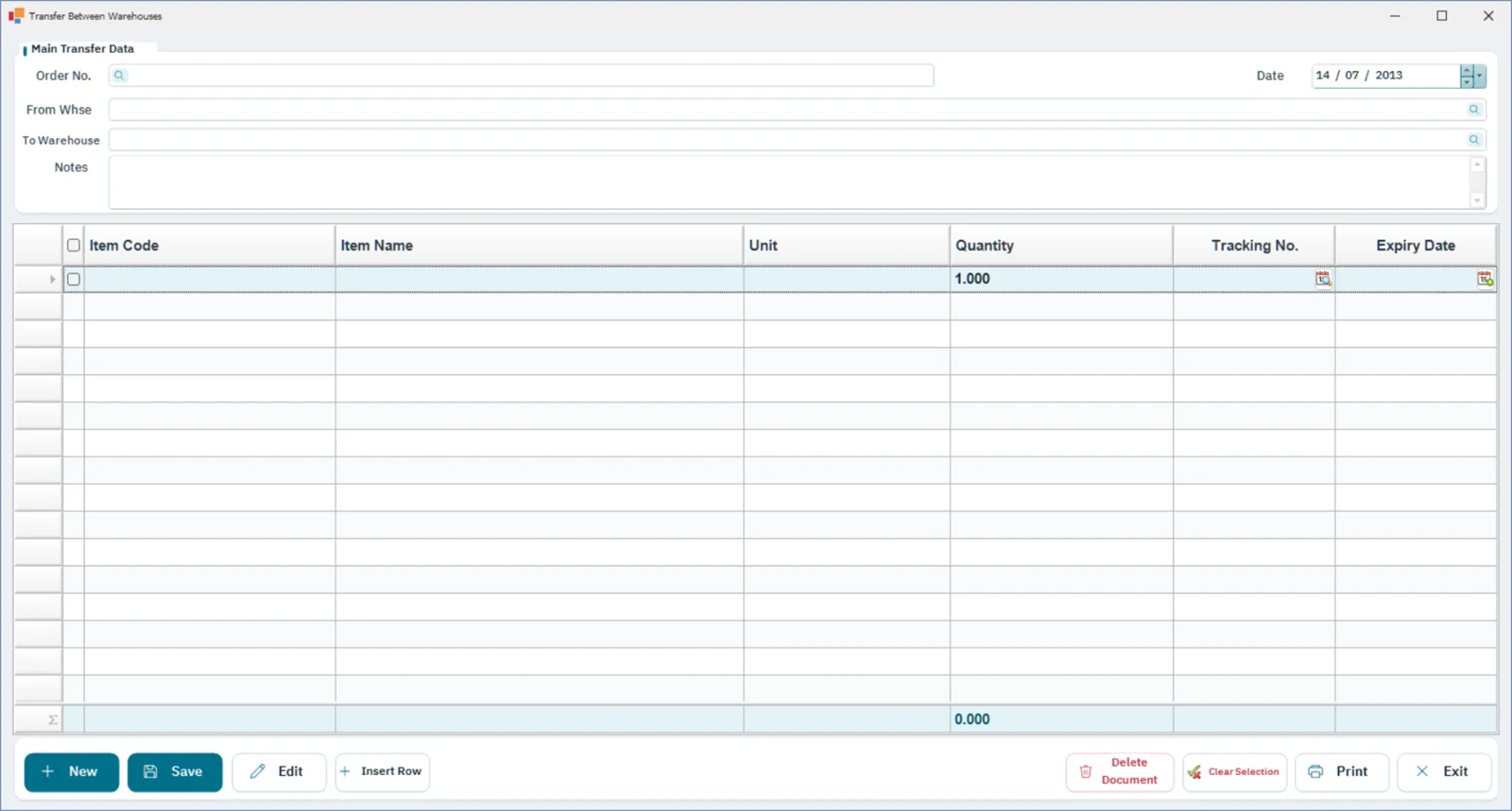
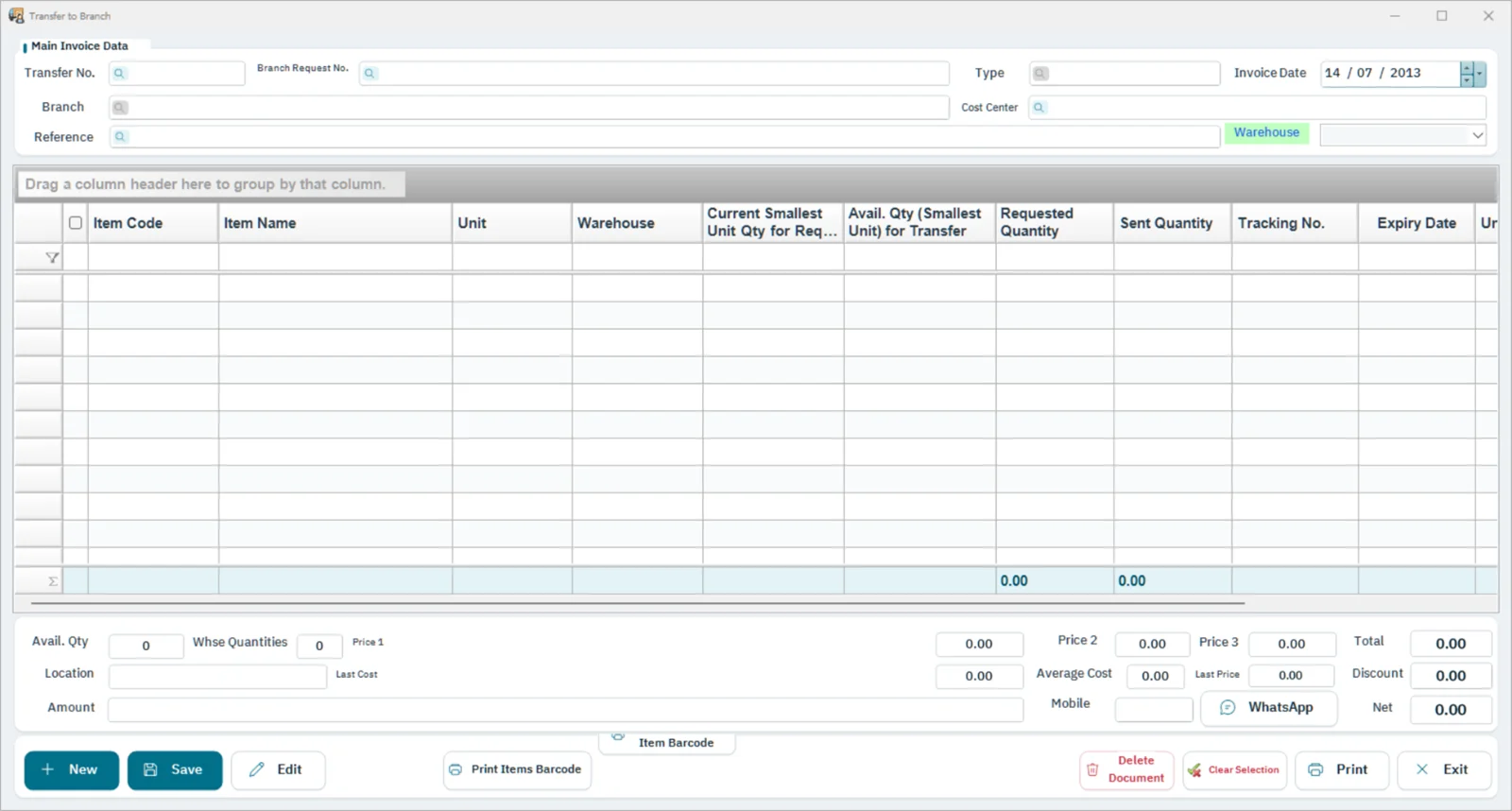
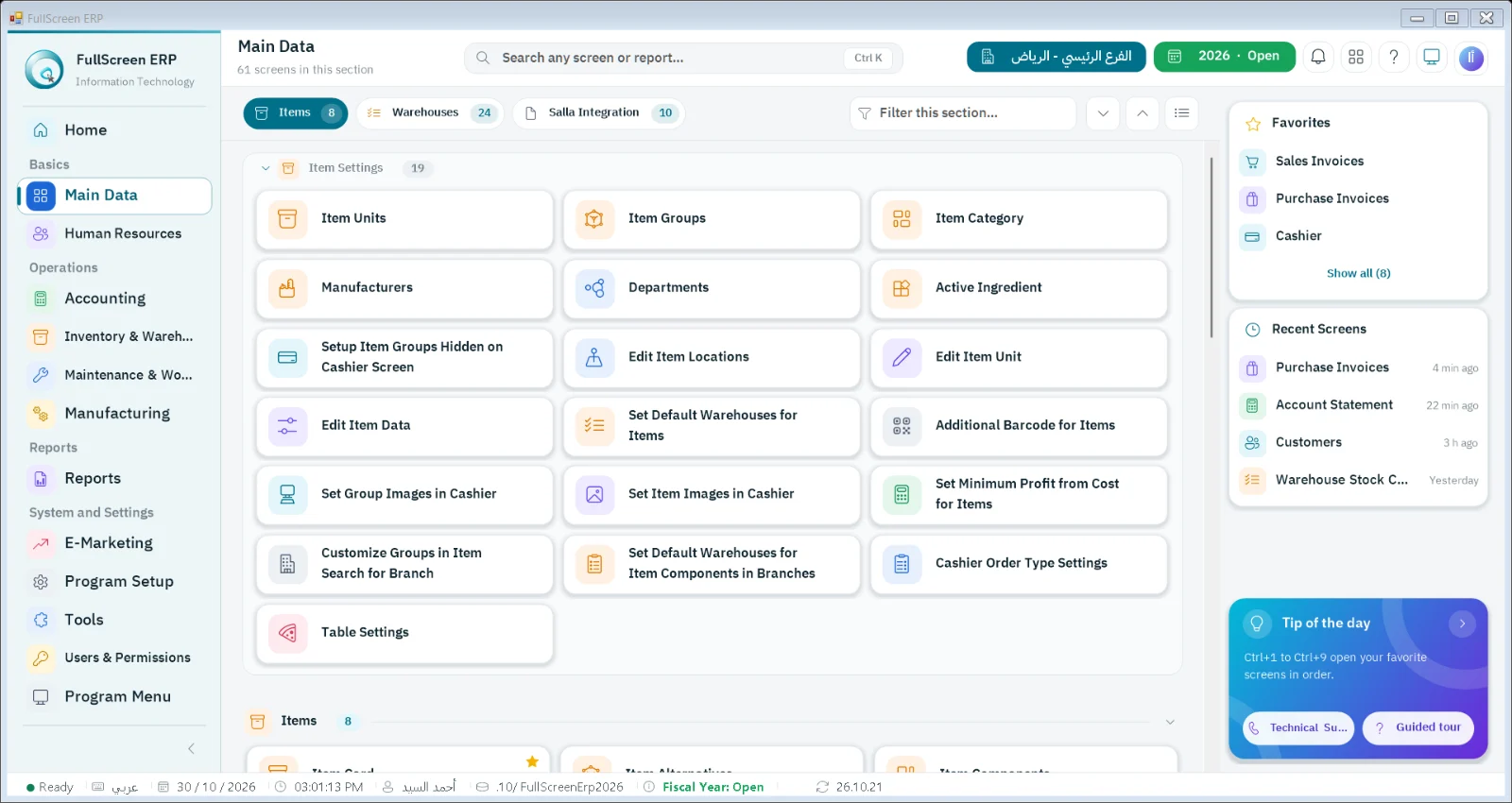
The warehouses and items module manages barcoded item cards, multiple units, warehouses and branches, transfers between them, expiry dates and alternative items, with periodic and perpetual stocktaking and adjustments.
Workflow
Define itemReceivingInter-branch transferStock countAdjustment
Features
Multiple warehouses and branchesReal-time balance of each item in each warehouse
Alternative itemsShowing the available substitute when an item is out of stock
Expiry datesAlerts for items nearing expiry
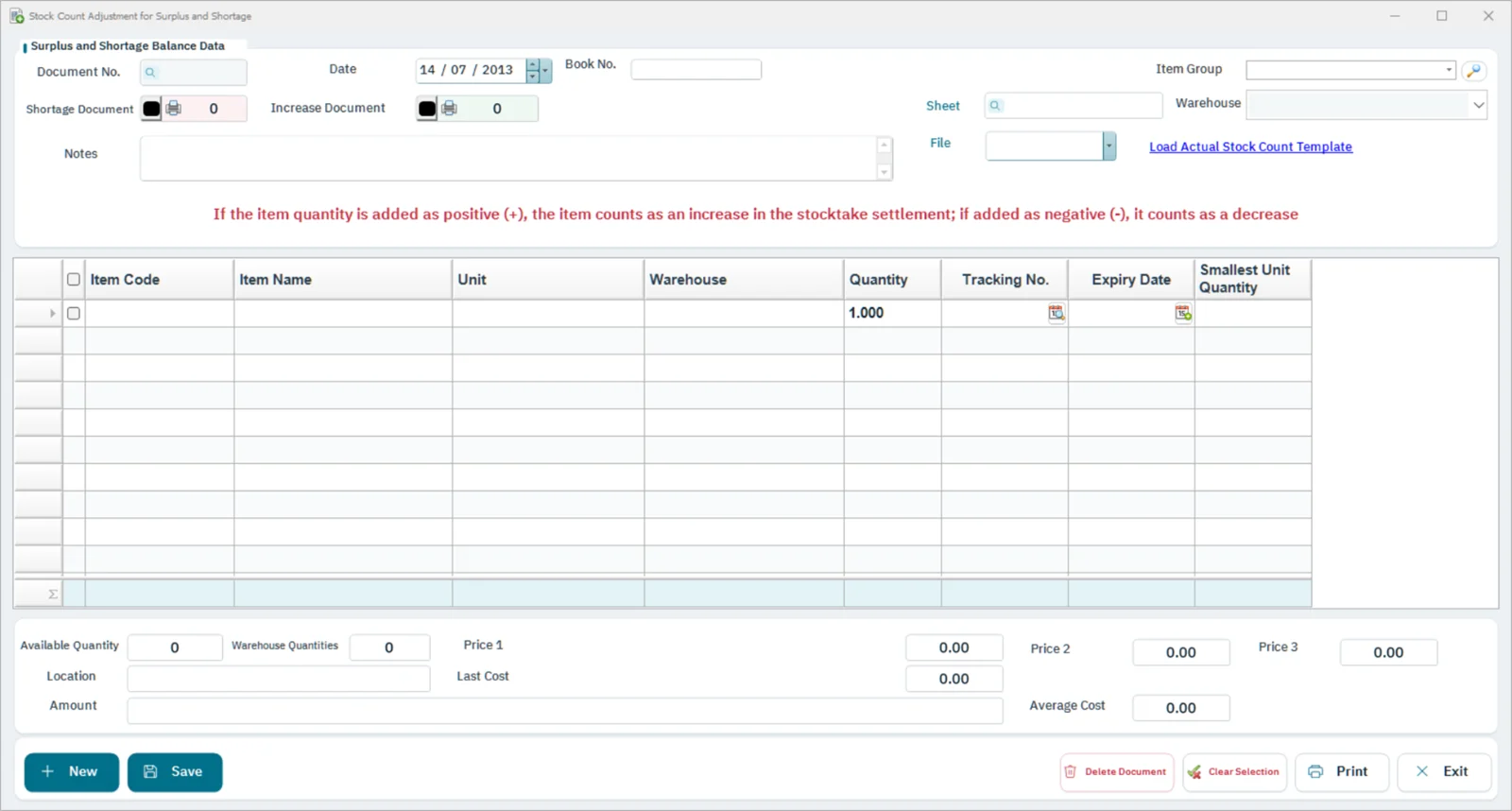
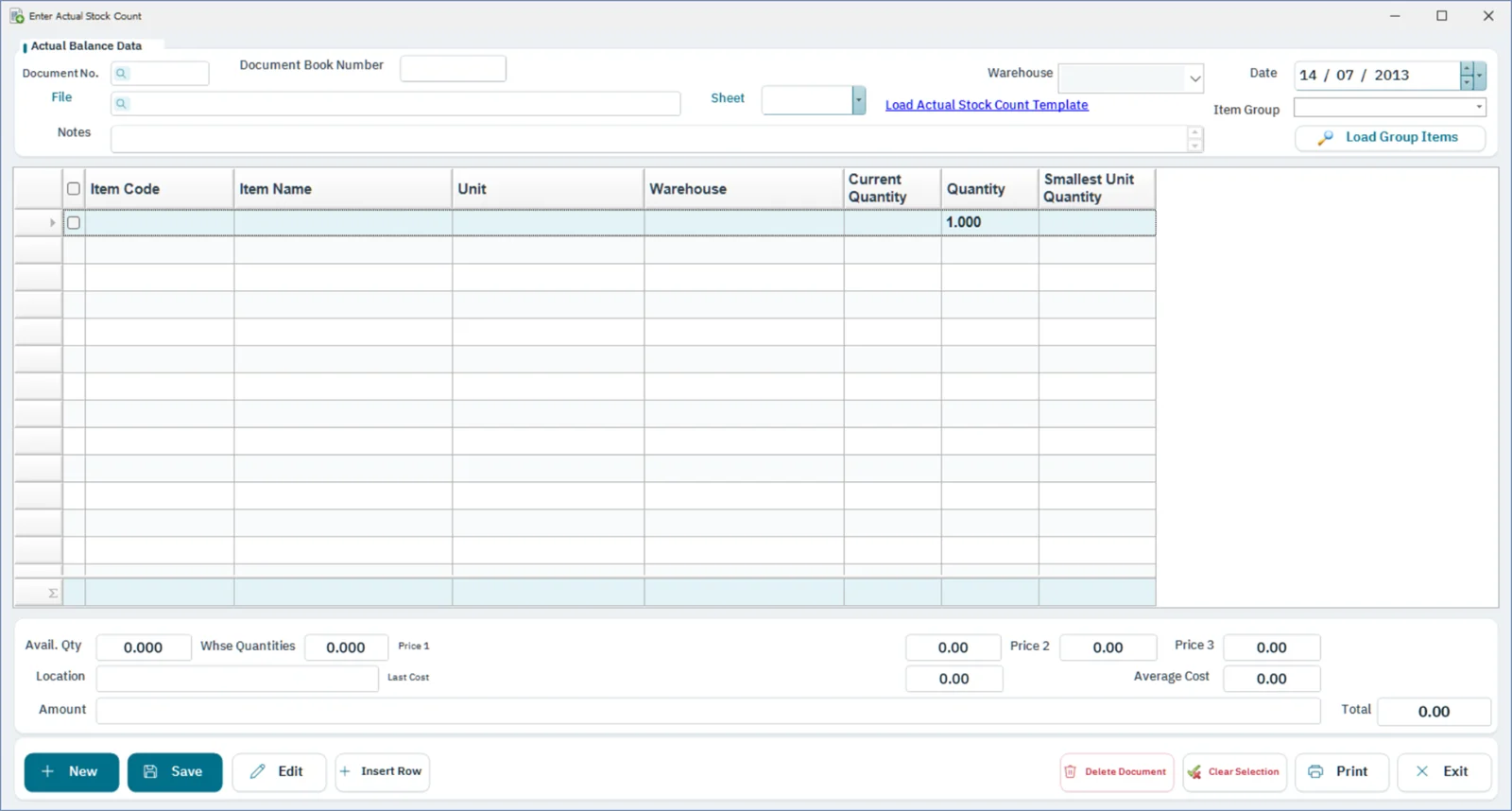
Stocktaking and adjustmentsFull or partial stock counts with automatic adjustment entries
Opening balancesEntering opening balances for each warehouse
Multiple unitsCarton, box, and piece at different prices
Reports
- Item balances
- Item movement
- Slow-moving items
- Near-expiry items
- Inventory valuation
- Stock count differences
- Inter-branch transfers
How it connects to the rest of the system
Sales deduct from the item balance and purchases add to it in real time in every warehouse, stocktaking generates adjustment entries automatically, and the stocktaking app speeds up counting by phone.
Sectors that rely on this module
PharmaciesAuto spare partsGold and jewelryRestaurants and cloud kitchensSupermarkets and grocery storesElectrical, plumbing, and building materialsAuto repair workshopsFactoriesDistribution and wholesale companiesContracting companiesRetail stores and trading businessesPharmaceutical companies and warehouses
Free tools related to this module
Questions about Warehouses and items
Can an item have more than one unit?
Yes, carton, box and piece at different prices.
Does the system alert on expiry dates?
Yes, an alert for items nearing expiry, with a report on them.
What happens when an item runs out?
The system shows the available alternative item.
Let's start with your needs
Tell us about your business, and we'll arrange a demo or consultation within one business day.