




Home / FullScreen ERP / Promotions management
Promotions management
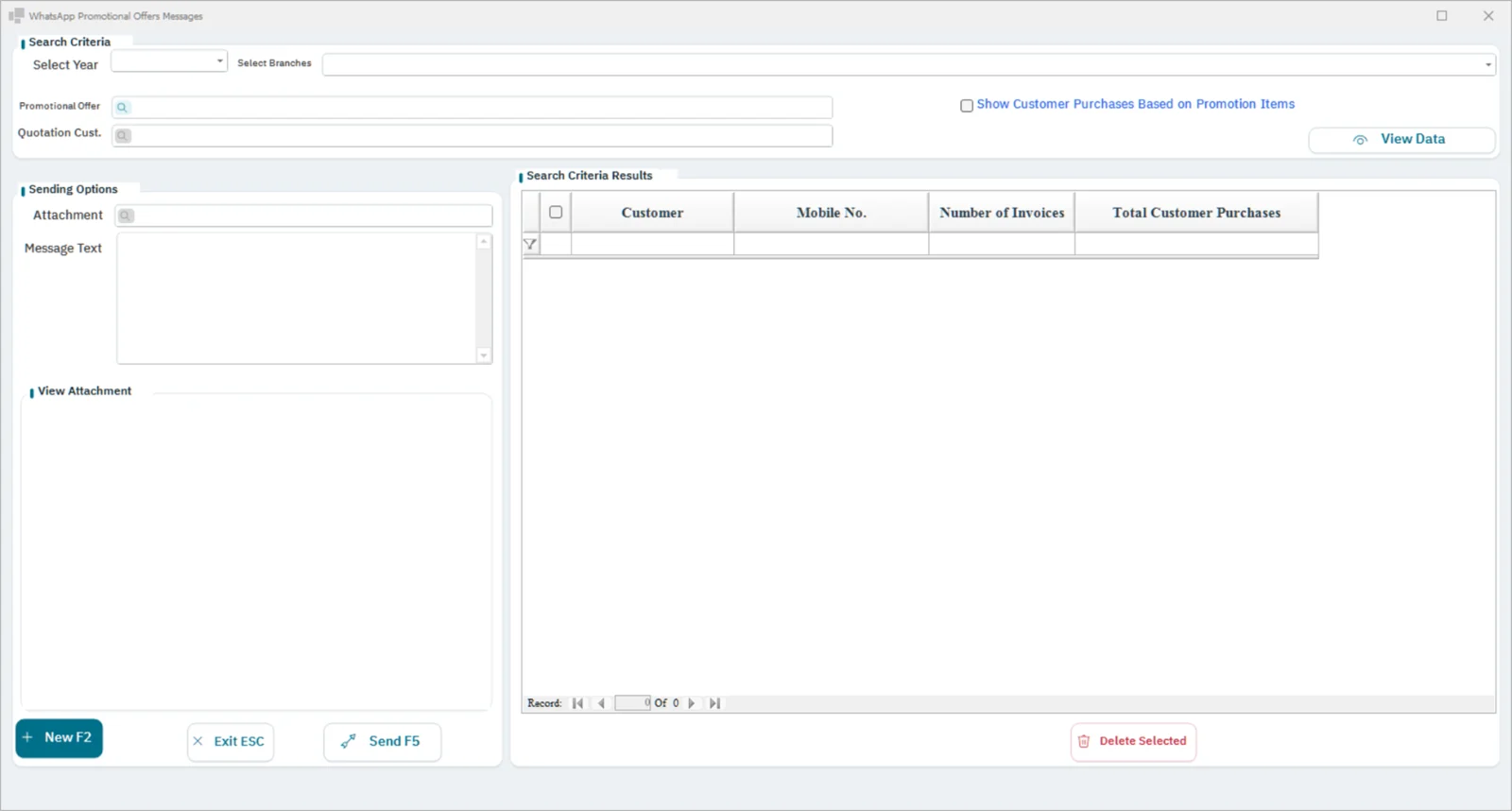
Create a promotion once with its period, branches, and items, and the cashier applies it automatically with no manual entry. Afterwards, you see the impact of each promotion on sales and profit.
In brief
The promotions module creates a discount or a “buy and get” offer once, with its period, branches and items, and the cashier applies it automatically without manual entry; it then shows the impact of each offer on sales and profit.
Workflow
Promotion designSetting the period and branchesActivationApplied at saleMeasuring the impact
Features
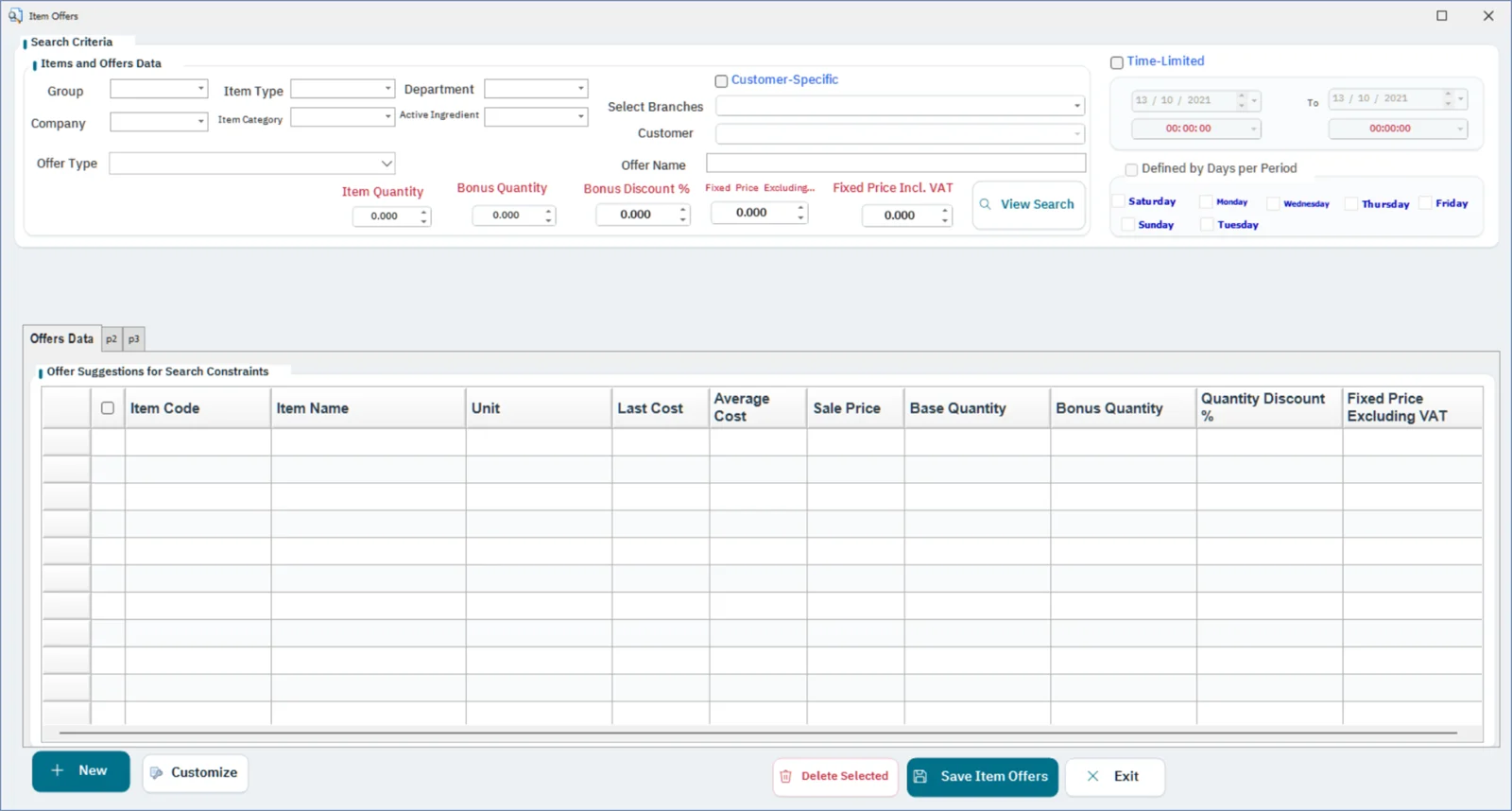
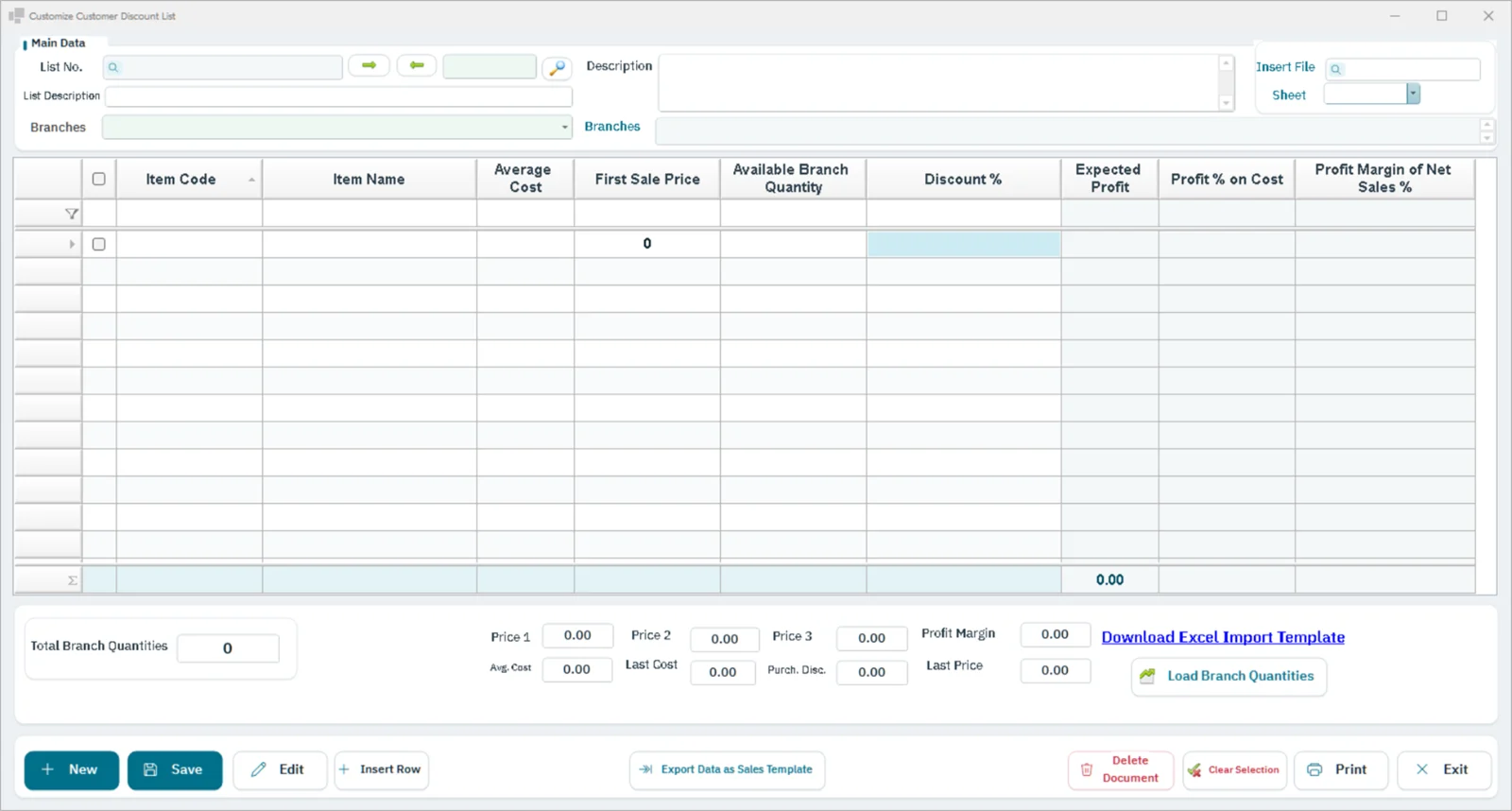
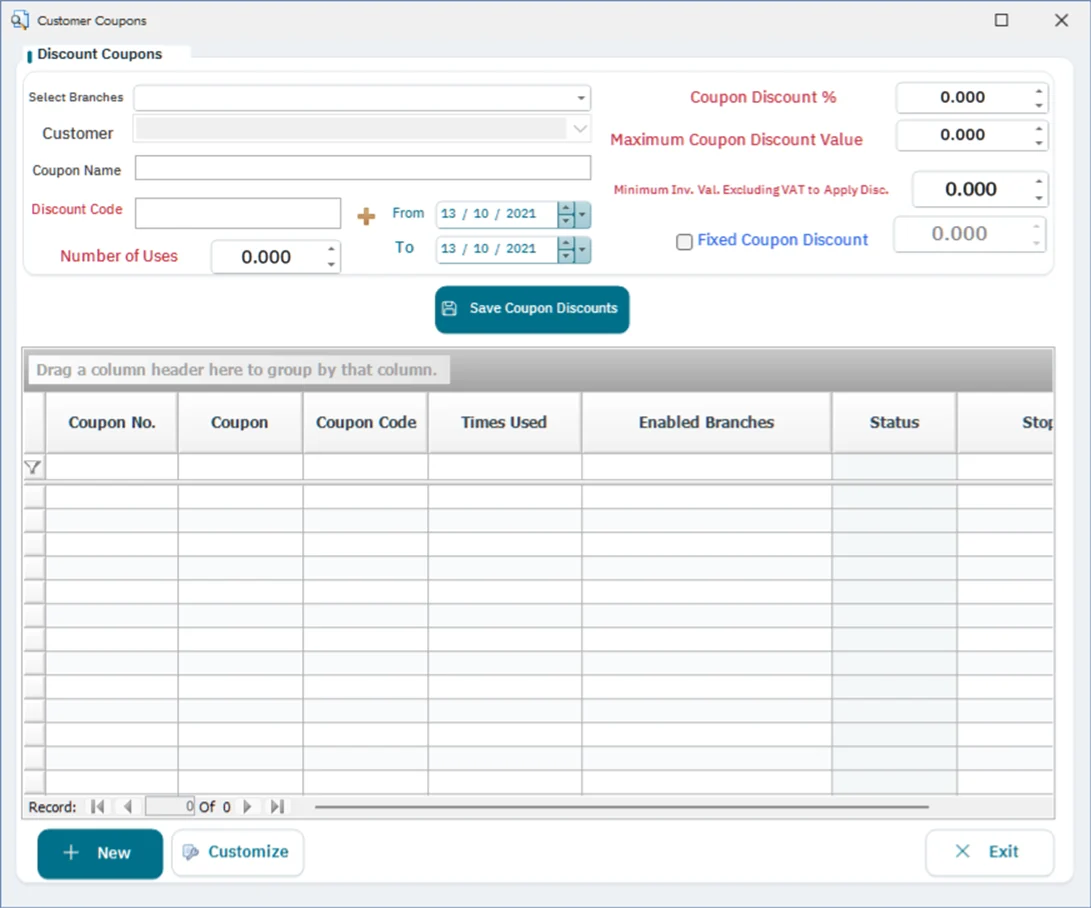
Promotion typesPercentage or amount discounts, buy X get Y, and special quantity pricing
Promotion periodSet start and end dates, and specific days and hours
Promotion scopeFor specific items, groups, branches, or customer categories
Automatic applicationThe promotion is calculated at the cashier without staff intervention
Promotion priorityClear rules when more than one promotion overlaps
Performance trackingPromotion sales, cost, and impact on profit margin
Reports
- Active promotions
- Sales per promotion
- Discounts granted
- Promotion impact on profit
- Items that benefited most
- Before and after comparison
- Promotions by branch
- Ended promotions
- Promotions by cashier
- Monthly promotions summary
How it connects to the rest of the system
The offer is calculated automatically on the cashier invoice in the sales module without staff intervention, and each offer's sales, cost and impact on profit margin appear in the reports, with a before-and-after comparison.
Sectors that rely on this module
Free tools related to this module
Questions about Promotions management
What types of offers are available?
A percentage or amount discount, “buy this and get that”, and a special price for quantity.
Can an offer be limited to certain branches or times?
Yes, with a set start and end, specific days and hours, and for specific items, groups, branches or customer categories.
What happens if two offers overlap?
The system applies clear priority rules when more than one offer overlaps.
Let's start with your needs
Tell us about your business, and we'll arrange a demo or consultation within one business day.