


Home / FullScreen ERP / Reports and AI

Reports and AI

Dozens of statistical, detailed, and summary reports, plus, in the cloud edition, an analytics dashboard and an AI assistant that answers questions about your data with charts.

In brief

The reports module offers dozens of statistical, detailed and summary reports with printing and export, and the cloud edition adds an analytics dashboard and an AI assistant that answers your questions about your data with charts.
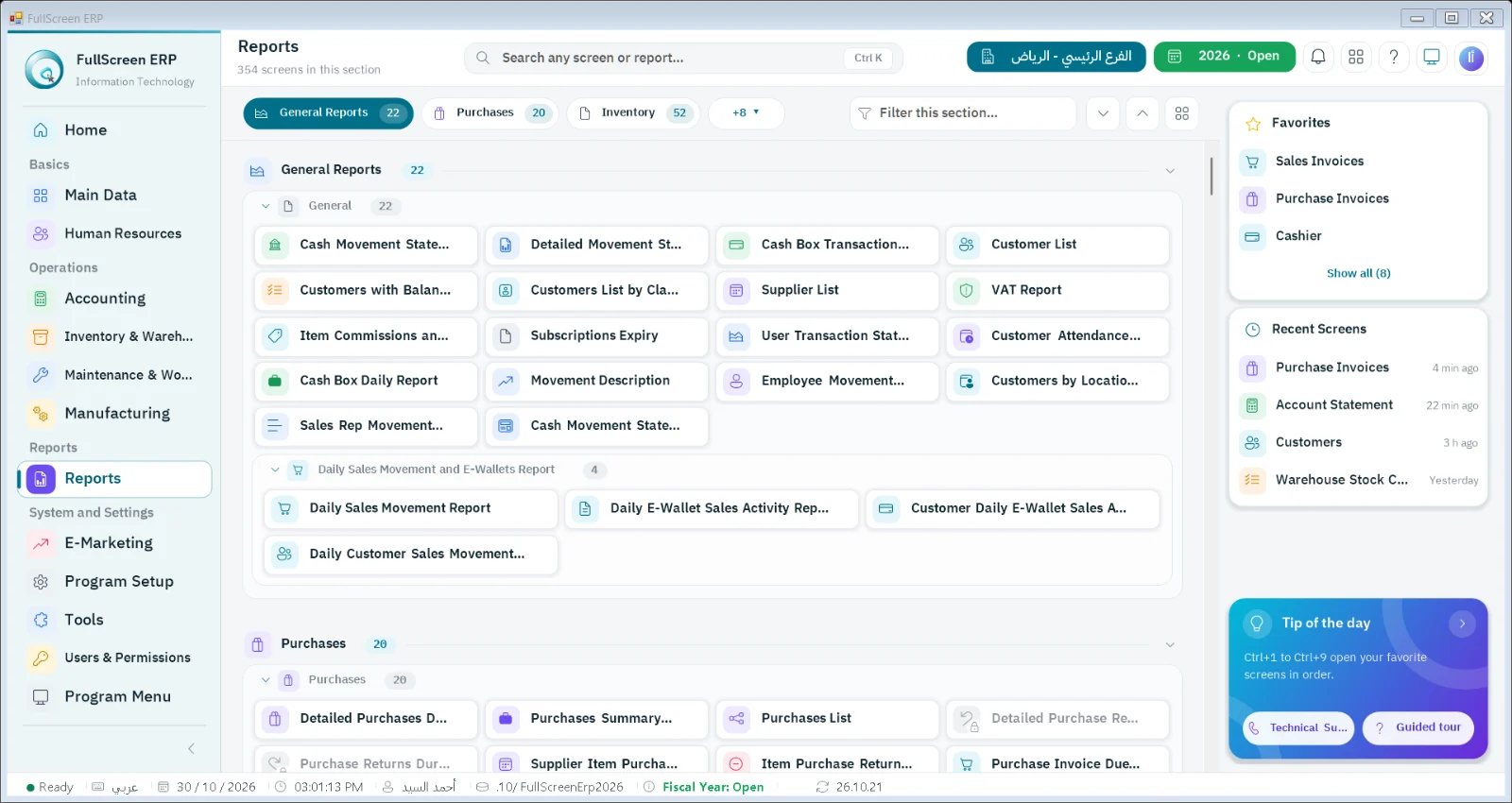
Reports screen in FullScreen ERP
Reports: More than 500 reports grouped by section: financial, sales, purchasing, inventory and consolidated branch reports.
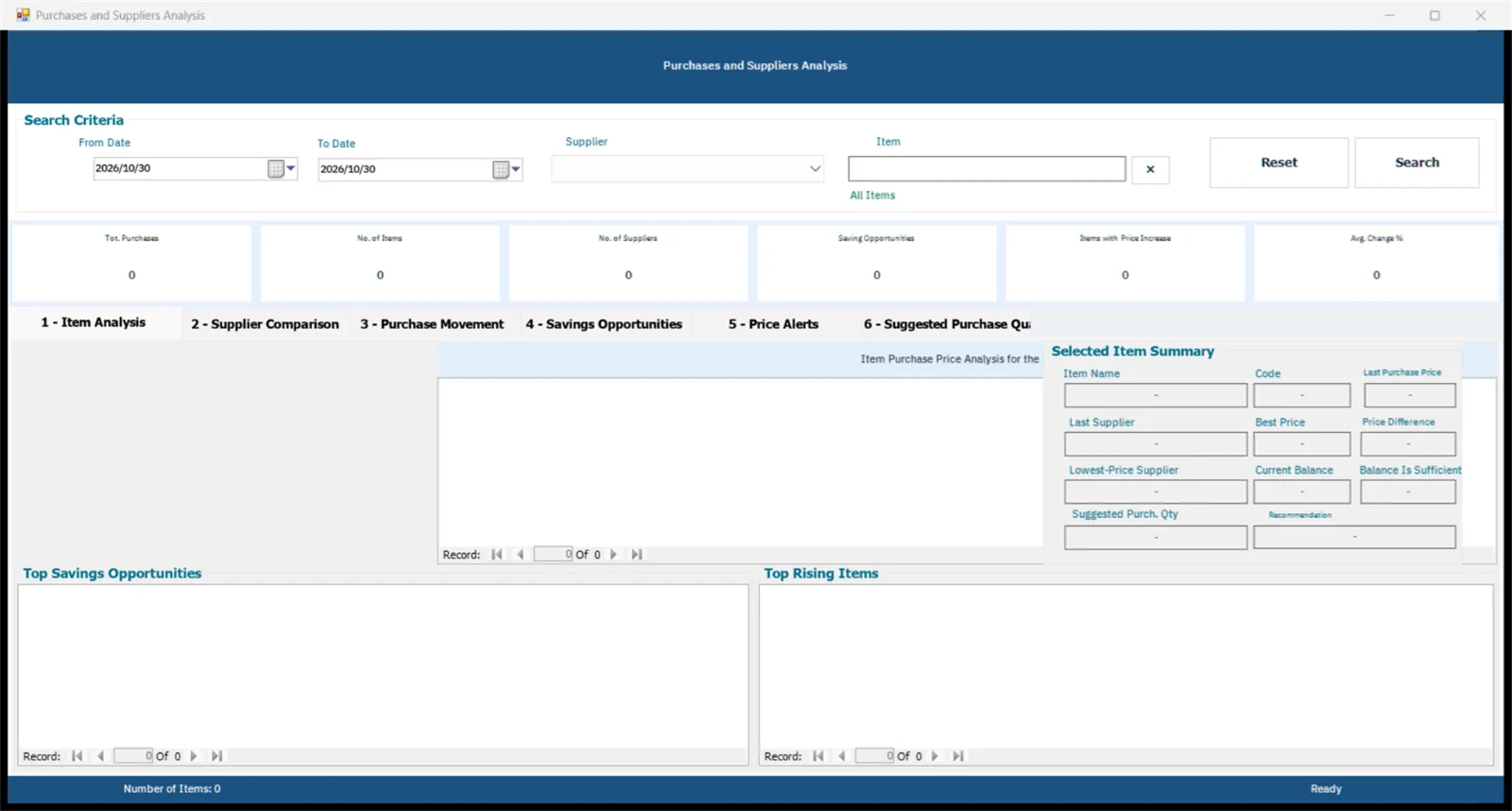
Purchases and suppliers analysis screen in FullScreen ERP
Purchases and suppliers analysis: A dashboard of purchases and suppliers over a period.
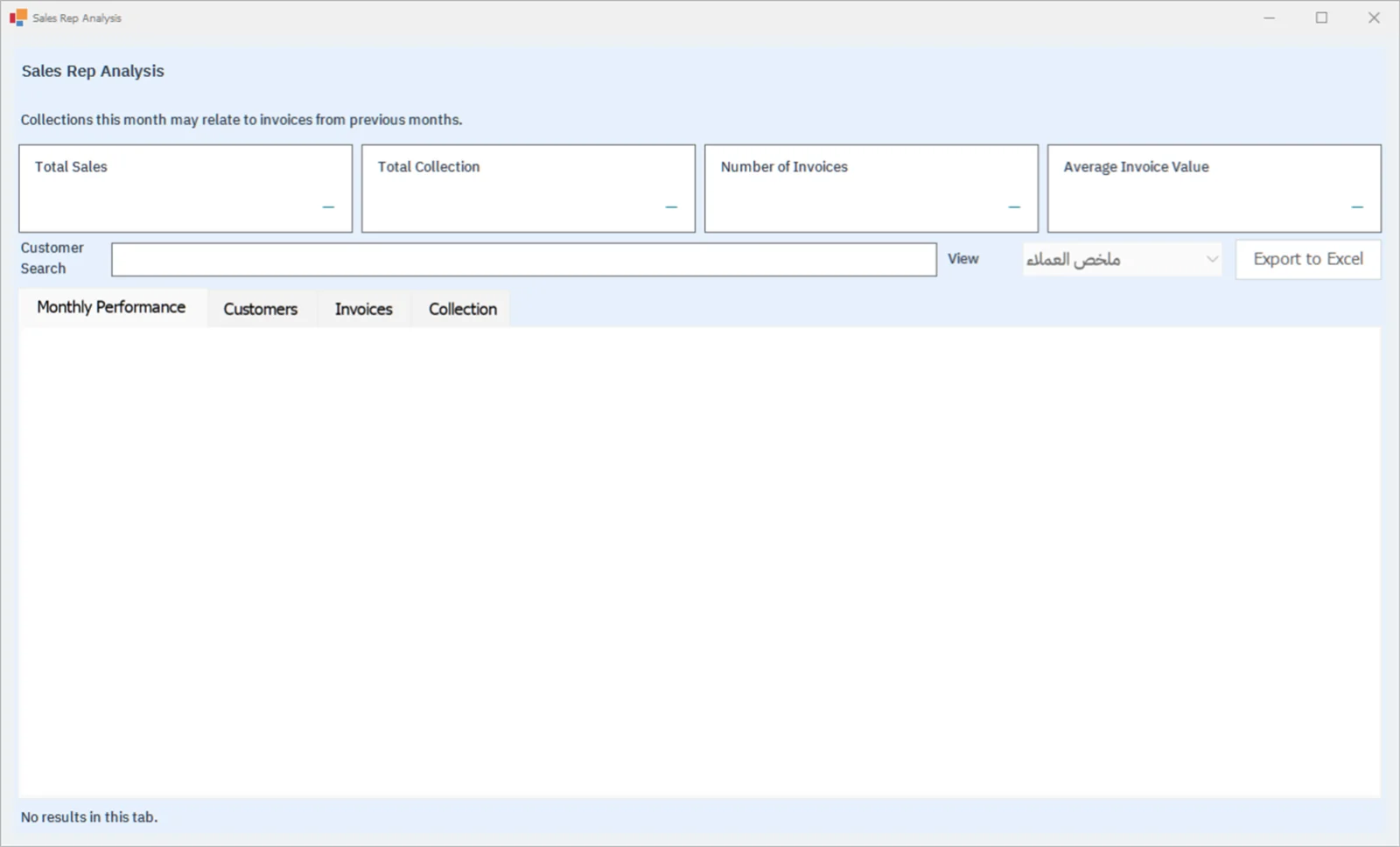
Sales rep analysis screen in FullScreen ERP
Sales rep analysis: Total sales, collections, number of invoices and average invoice value, plus monthly performance for each sales rep.
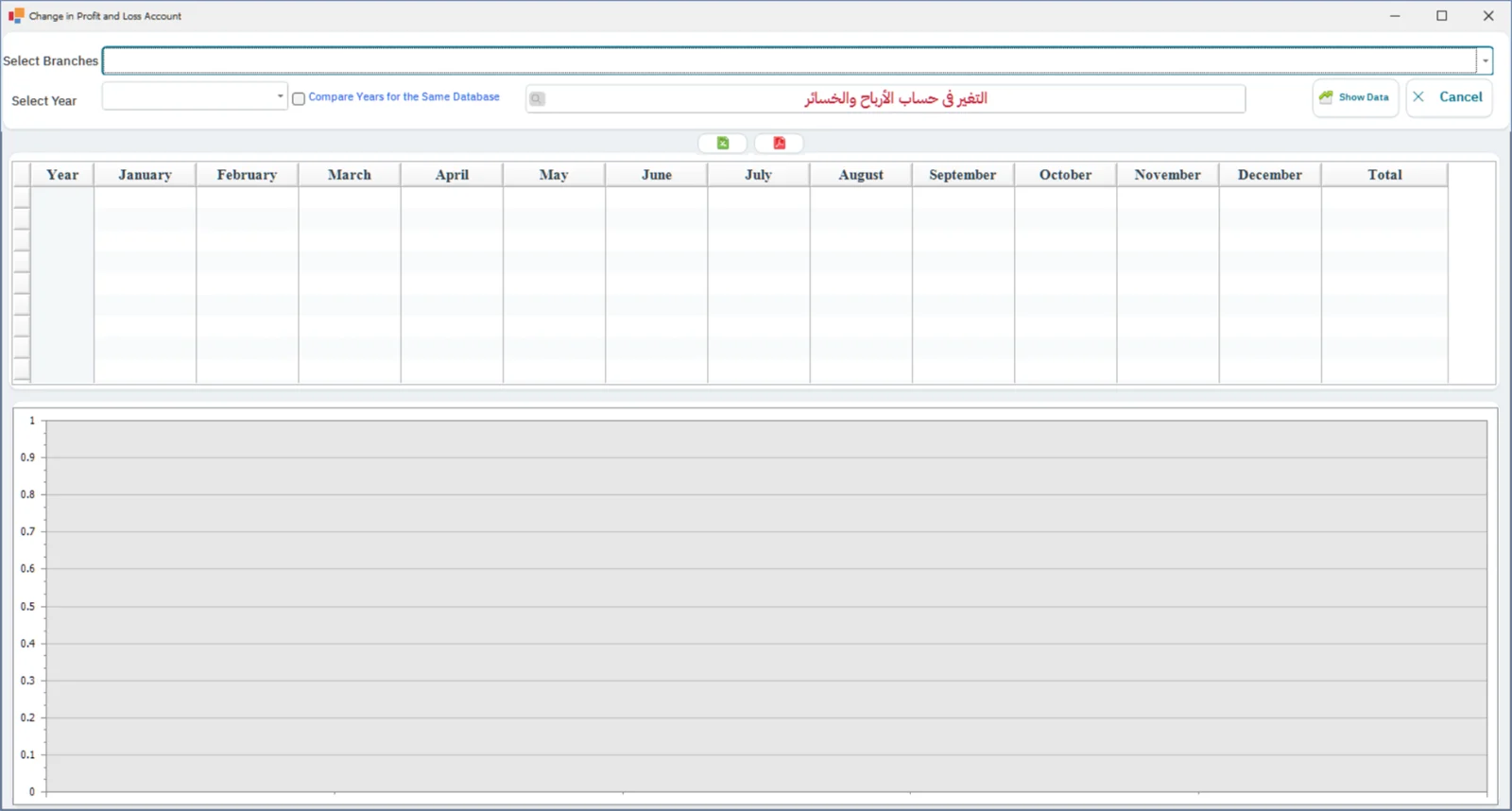
Change in profit and loss screen in FullScreen ERP
Change in profit and loss: Profit and loss month by month over the year, with a chart.
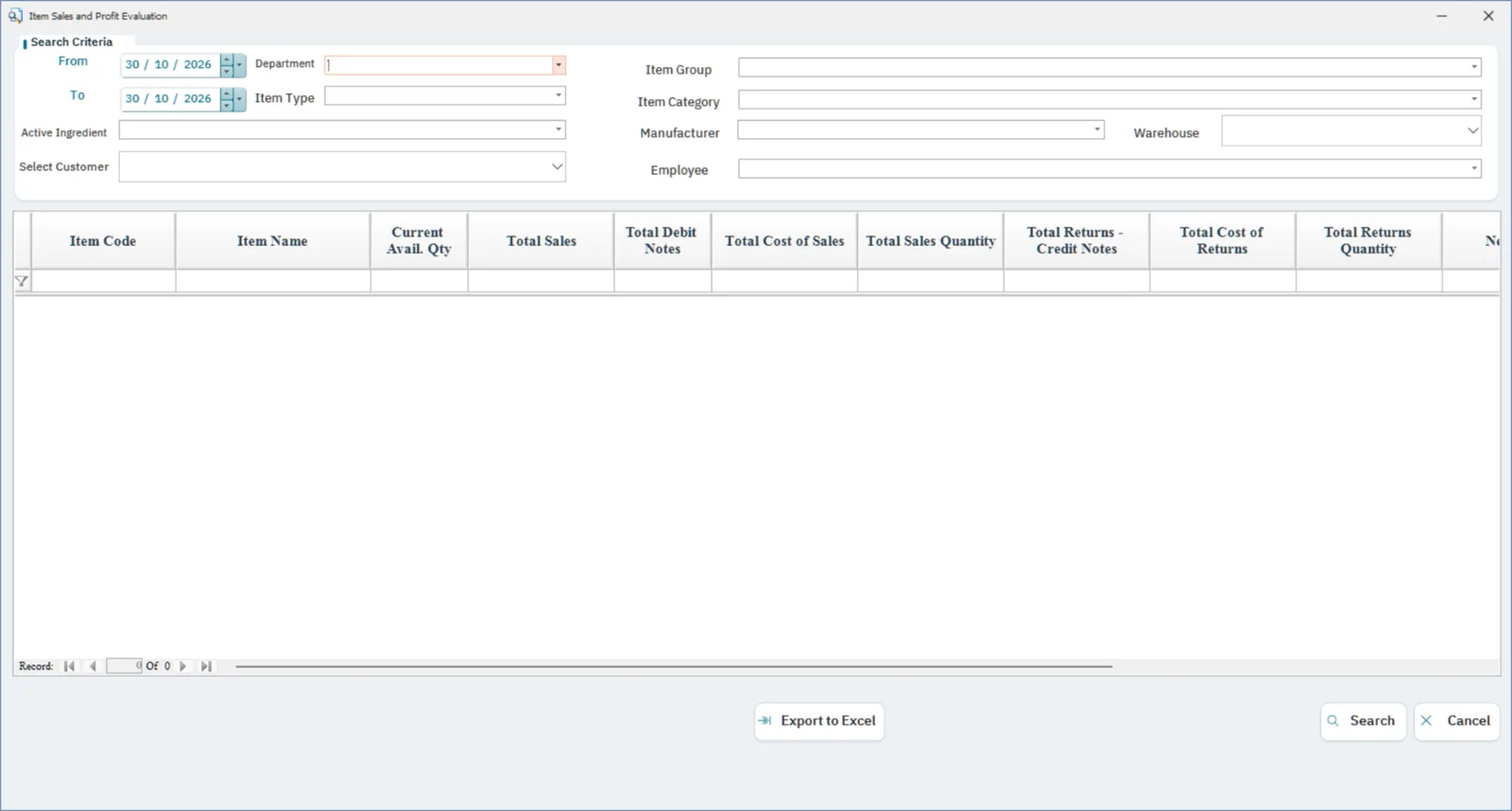
Item sales and profit evaluation screen in FullScreen ERP
Item sales and profit evaluation: Each item's sales, cost, profit and returns.
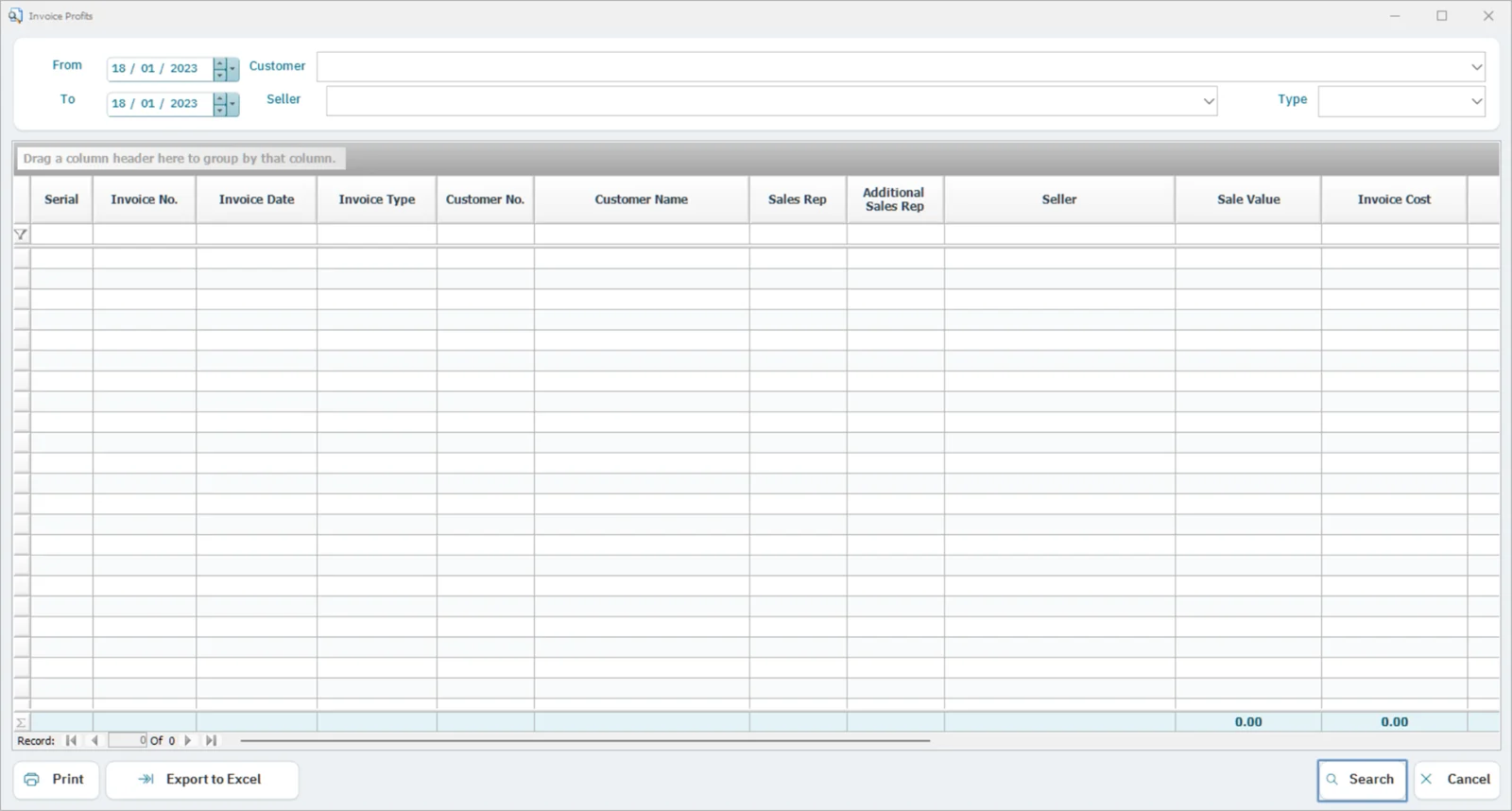
Profit by invoice screen in FullScreen ERP
Profit by invoice: Sale value, cost and profit for each invoice.
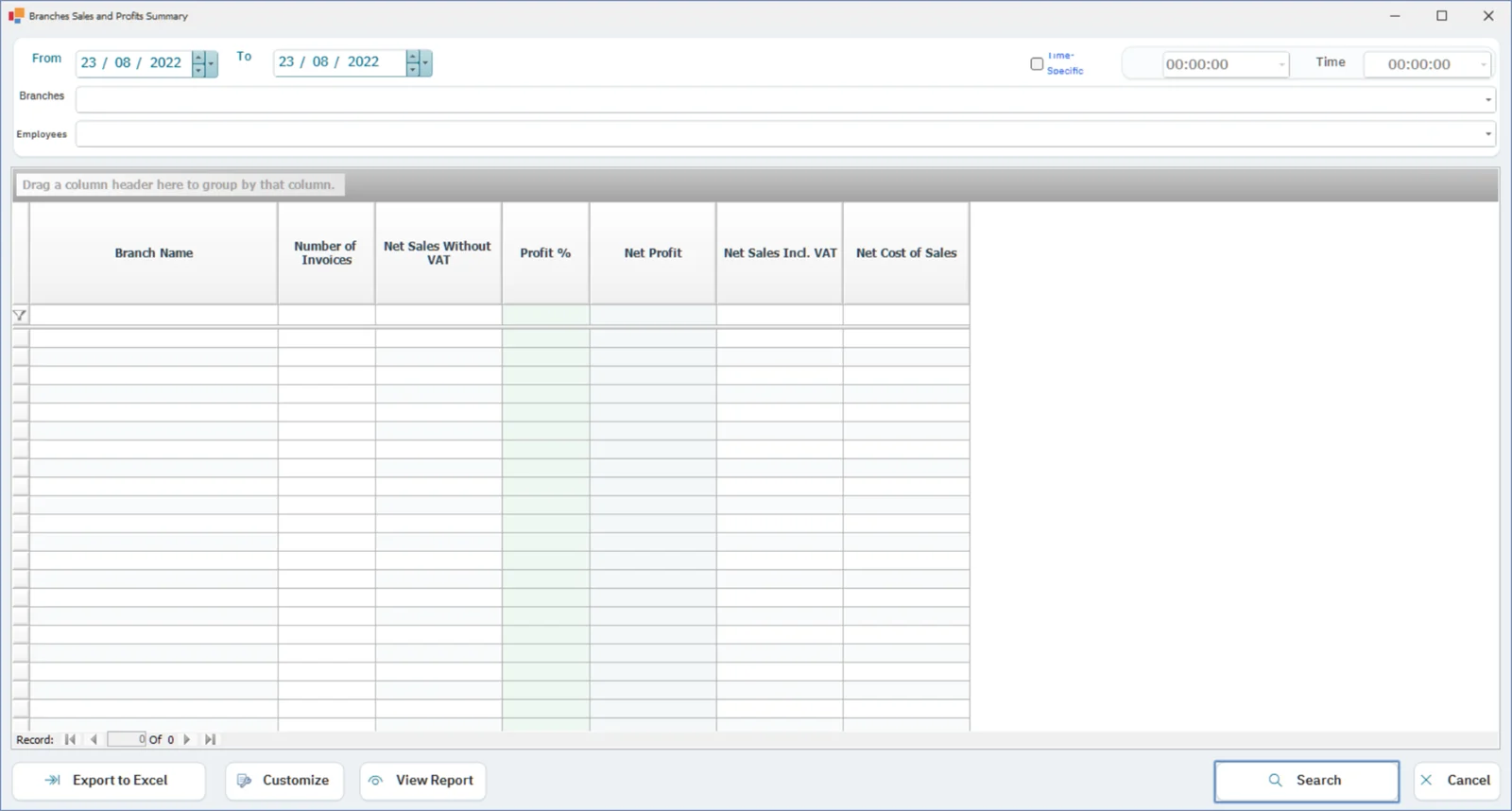
Branch sales and profit summary screen in FullScreen ERP
Branch sales and profit summary: Number of invoices, sales, profit and profit margin for each branch.
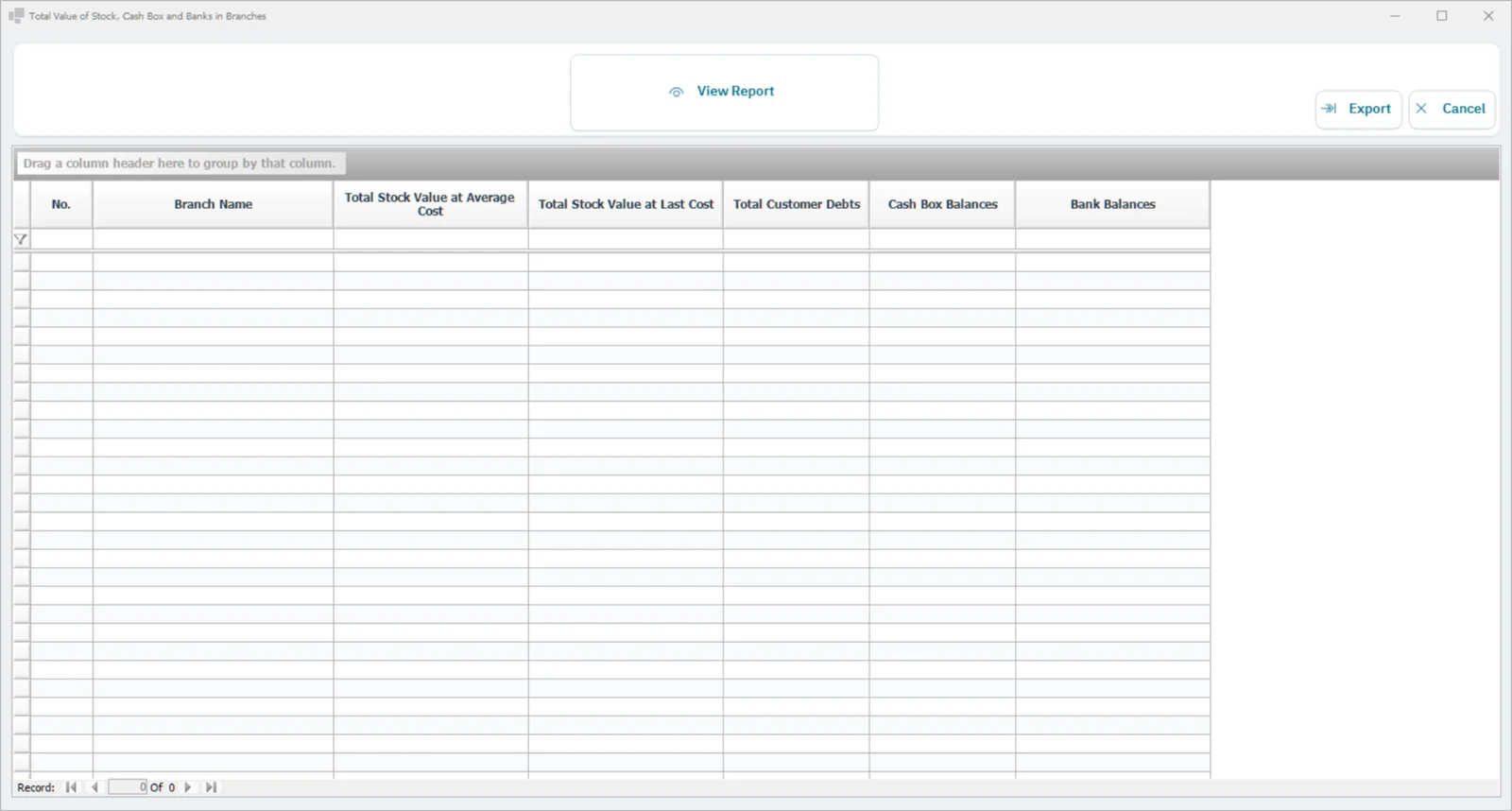
Inventory, cash and bank value by branch screen in FullScreen ERP
Inventory, cash and bank value by branch: Inventory value and cash and bank balances for each branch in one report.
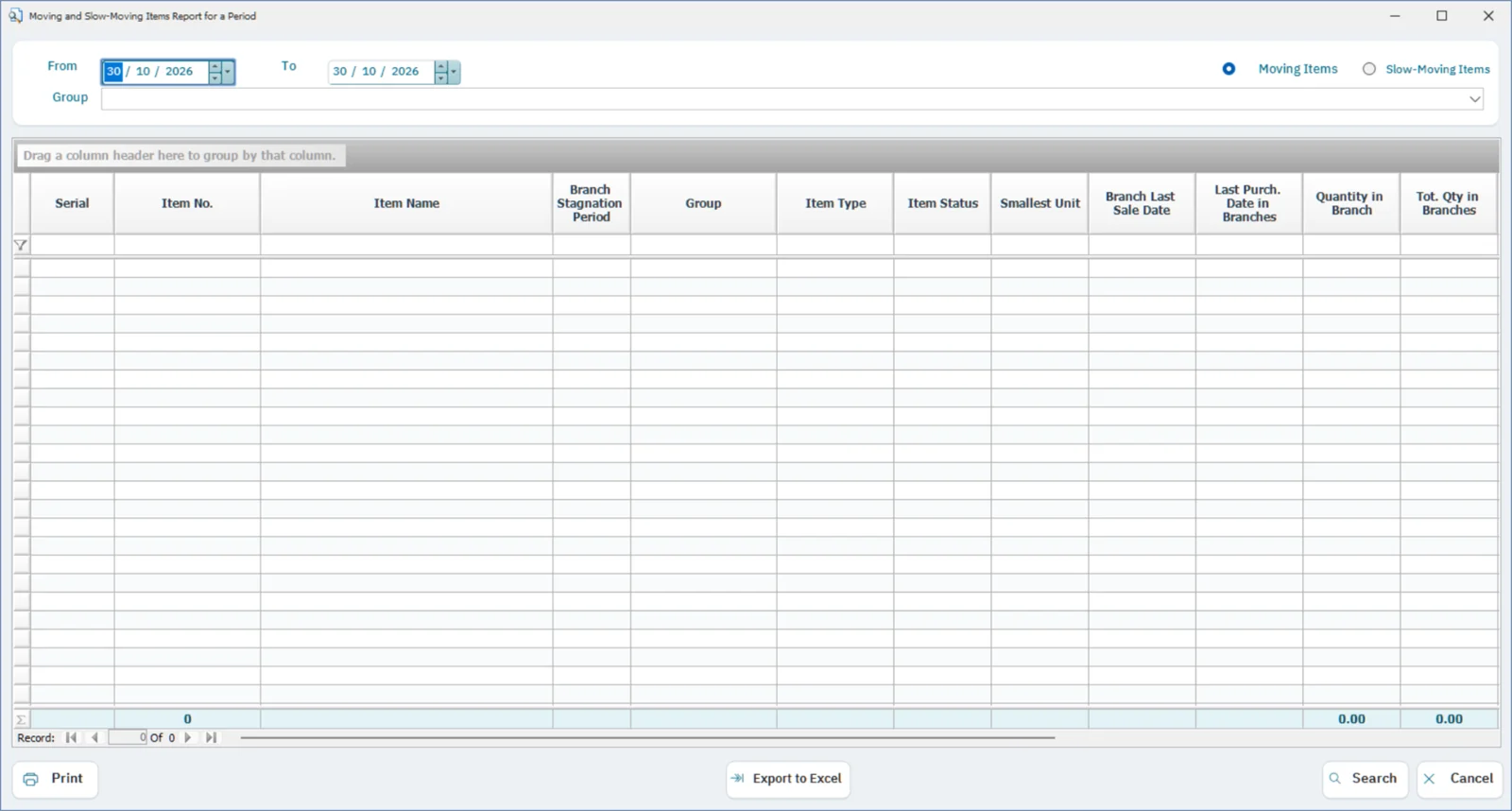
Moving and slow-moving items screen in FullScreen ERP
Moving and slow-moving items: Items that did not move during a period, with their quantities, value, and last sale and purchase.
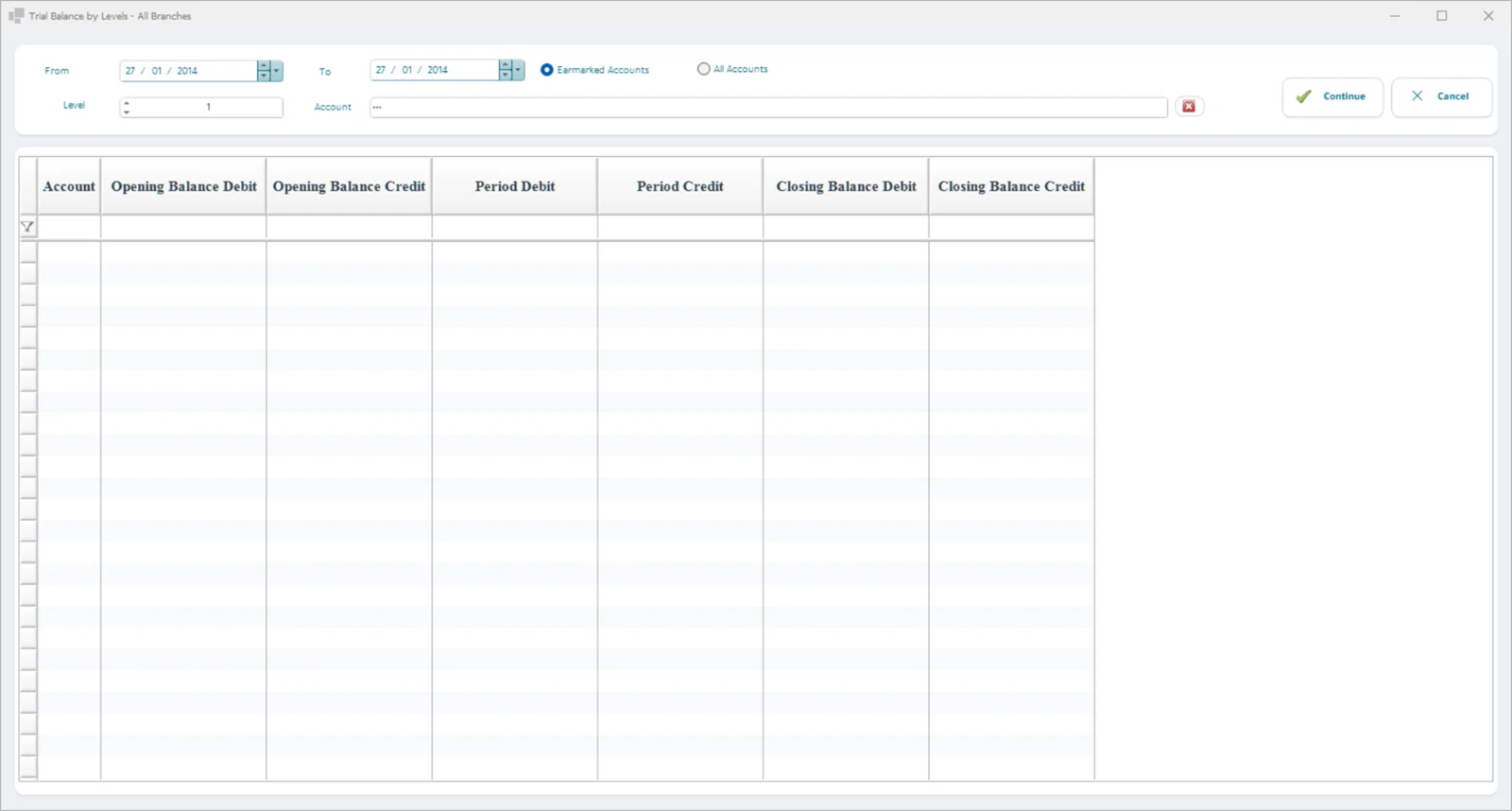
Trial balance by levels screen in FullScreen ERP
Trial balance by levels: A trial balance for all branches by chart-of-accounts levels.
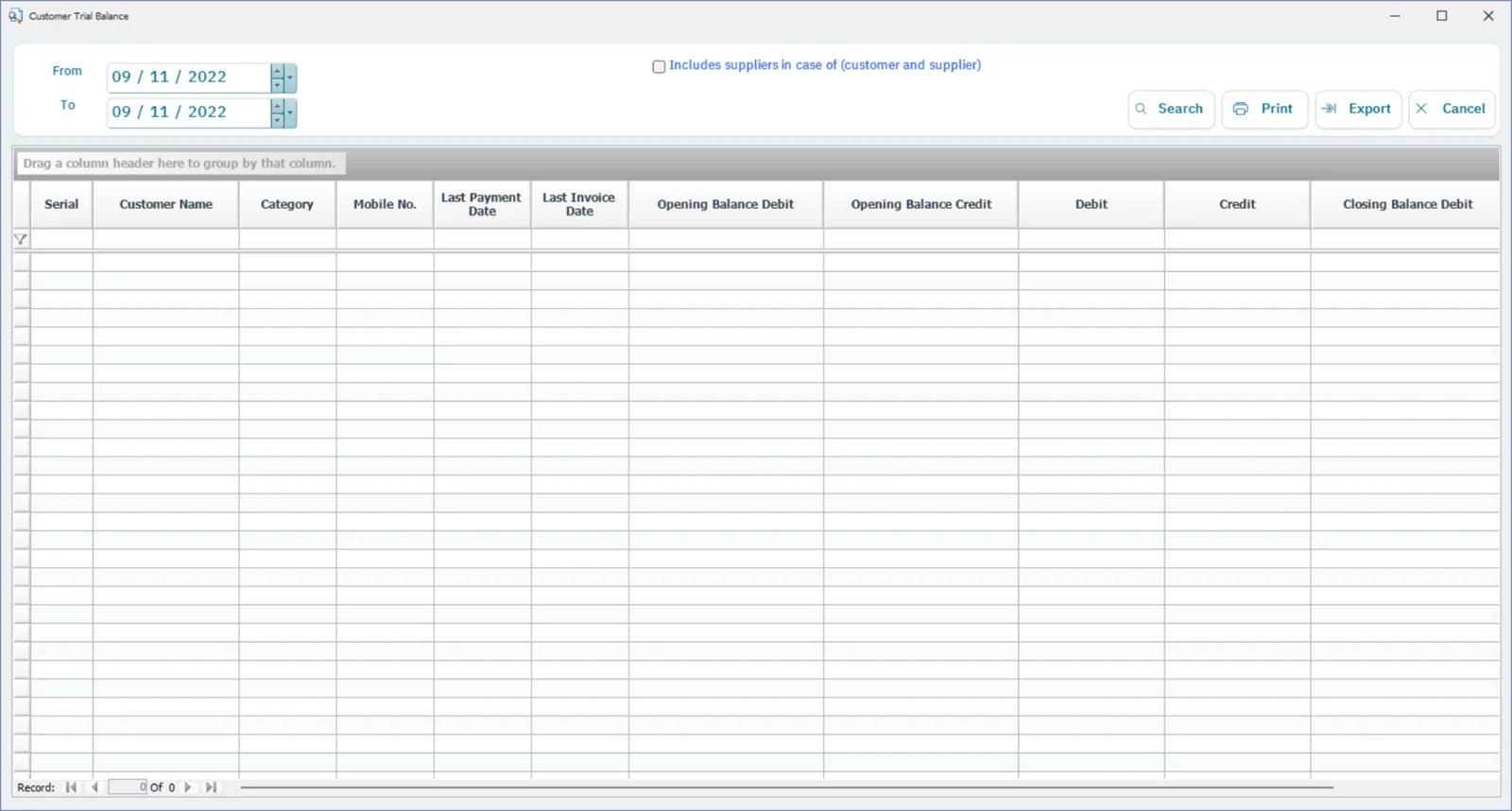
Customer balances screen in FullScreen ERP
Customer balances: Customers' opening balances, movements and closing balances, with the last payment and last invoice.
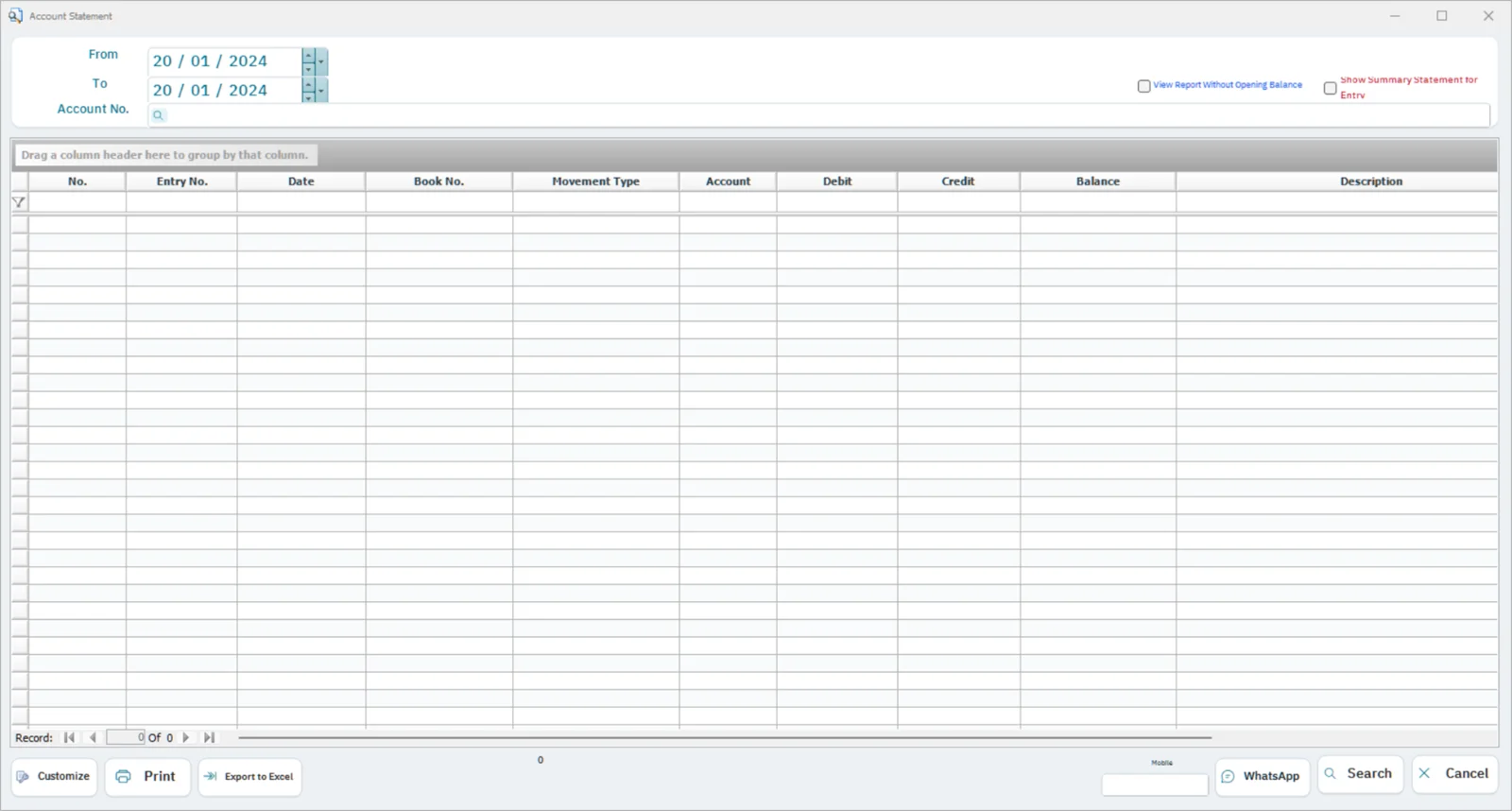
Account statement screen in FullScreen ERP
Account statement: Activity of any account over a period, for one branch or all branches.
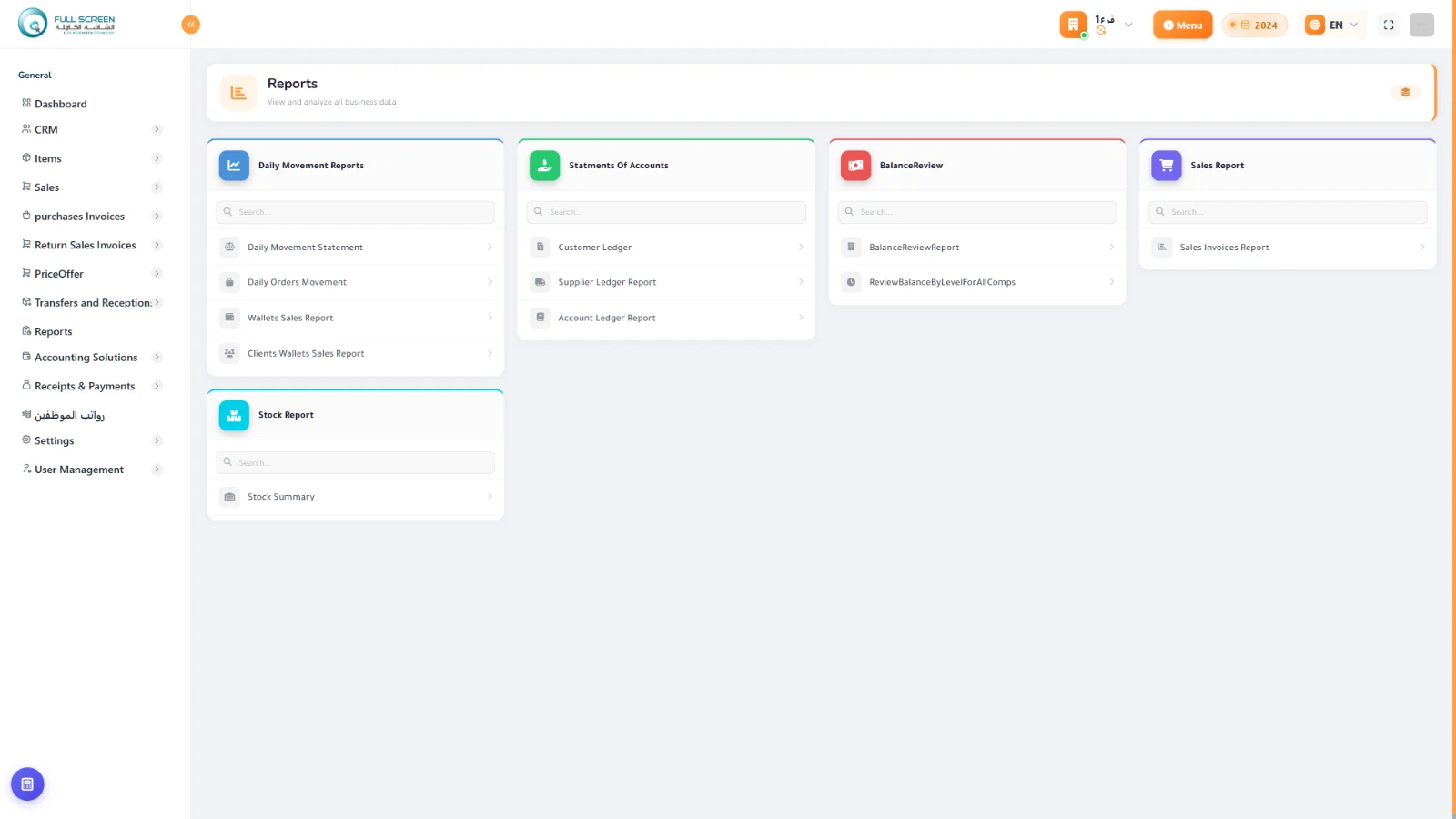
Reports in the browser screen in FullScreen ERP
Reports in the browser: Daily activity, sales and account statement reports.

Workflow

Choose the reportSelect the period and branchView and printAsk the assistant

Features

Statistical and detailed reportsFlexible by period, branch, item, and user
Printing and exportDirect printing or export
AI assistant (cloud)Ask “What were the most profitable items this month?”
Analytics dashboard (cloud)Indicators and charts for sales and region activity

Reports

  • Dashboard
  • Daily transactions
  • Sales by region
  • Sales invoice activity
  • Profitability by item
  • Branch comparison

How it connects to the rest of the system

Reports draw on every module: sales, inventory, accounts and branches, filterable by period, branch, item and user. In the cloud edition, the AI assistant answers your questions about your data with charts.
Questions about Reports and AI

Is the AI assistant available in all editions?
The AI assistant and analytics dashboard are in the cloud edition.
What can I ask the assistant?
For example: “What were the most profitable items this month?” and it answers with charts.
Can I print or export reports?
Yes, direct printing or export.

Let's start with your needs

Tell us about your business, and we'll arrange a demo or consultation within one business day.