




FullScreen ERP
Sales, inventory, accounts and VAT in one system. It generates journal entries and financial statements automatically, without you being an accounting expert.
In brief
FullScreen ERP is a Saudi ERP system that brings sales, POS, purchasing, warehouses, accounting, payroll and e-invoicing together in one system. Every invoice updates inventory, accounts and VAT at the same moment, and it runs on a local network or in the browser. It is used by more than 1,000 businesses in more than 30 sectors since 2008.
Desktop edition Available
Runs on the local network and connects branches over wide area networks; suitable for stores that don't rely on a constant connection.
Cloud edition Available
In the browser with a modern Arabic interface, plus a point of sale, analytics dashboards and an AI reporting assistant.
Inside the system
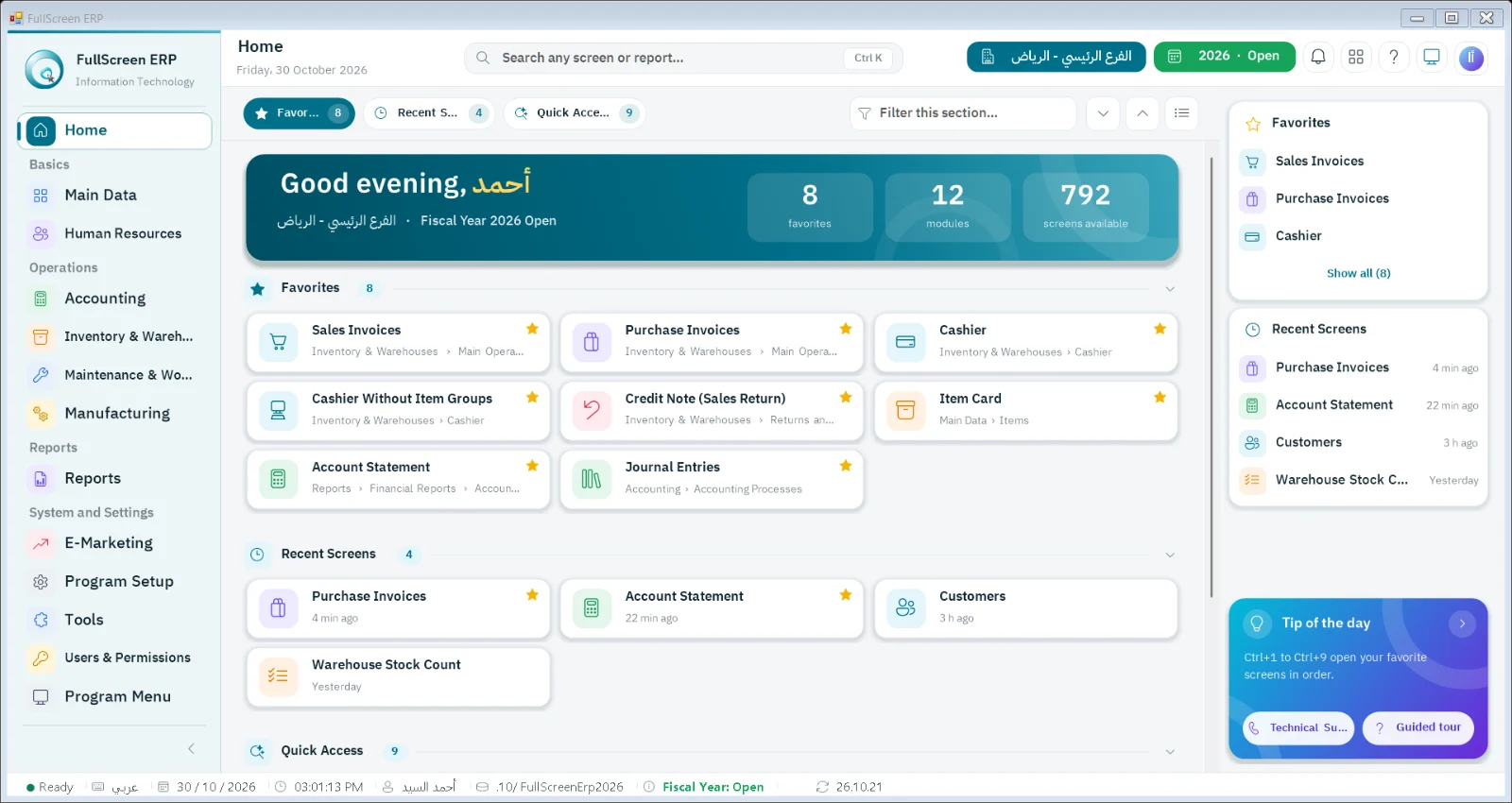
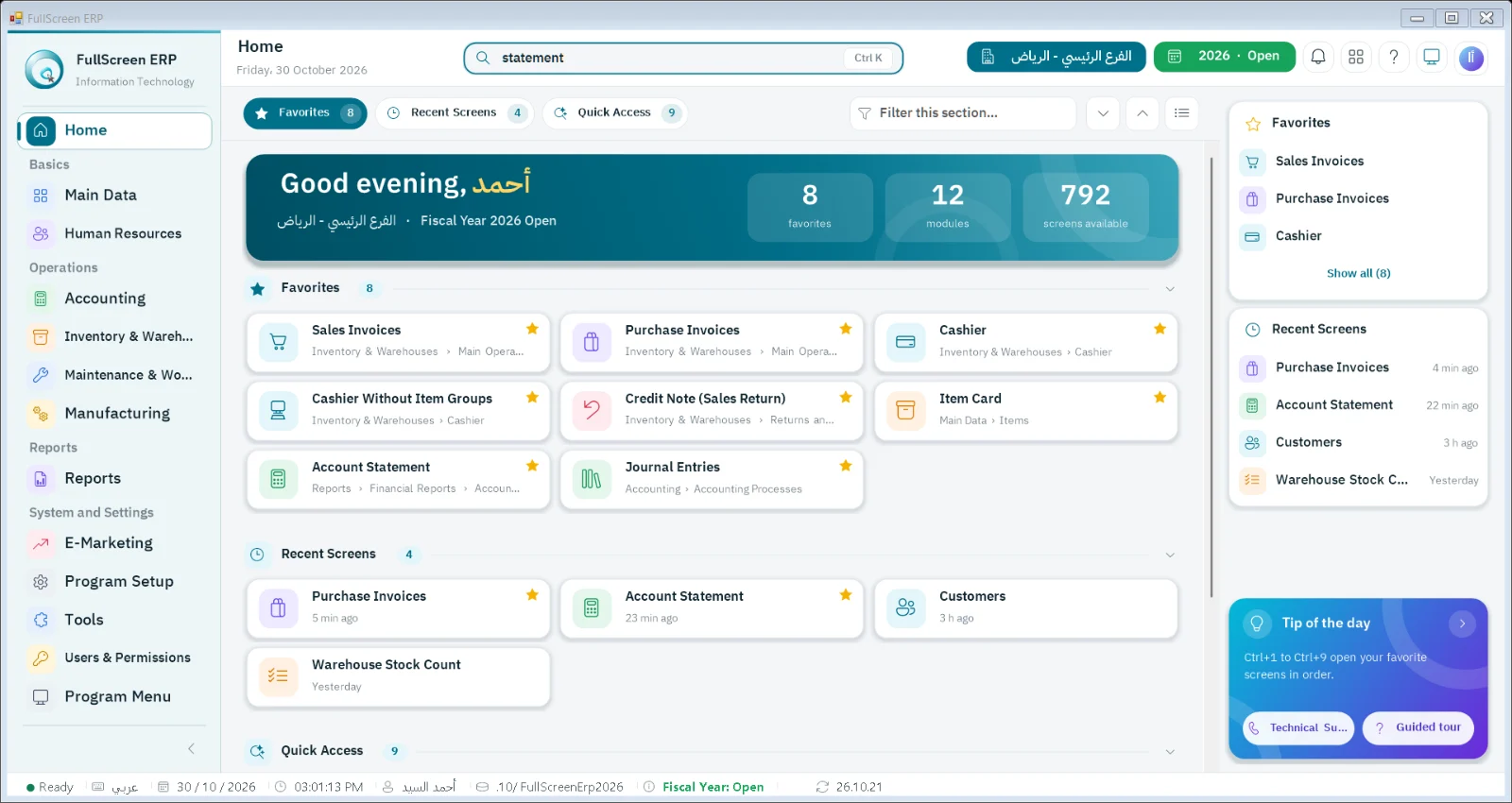
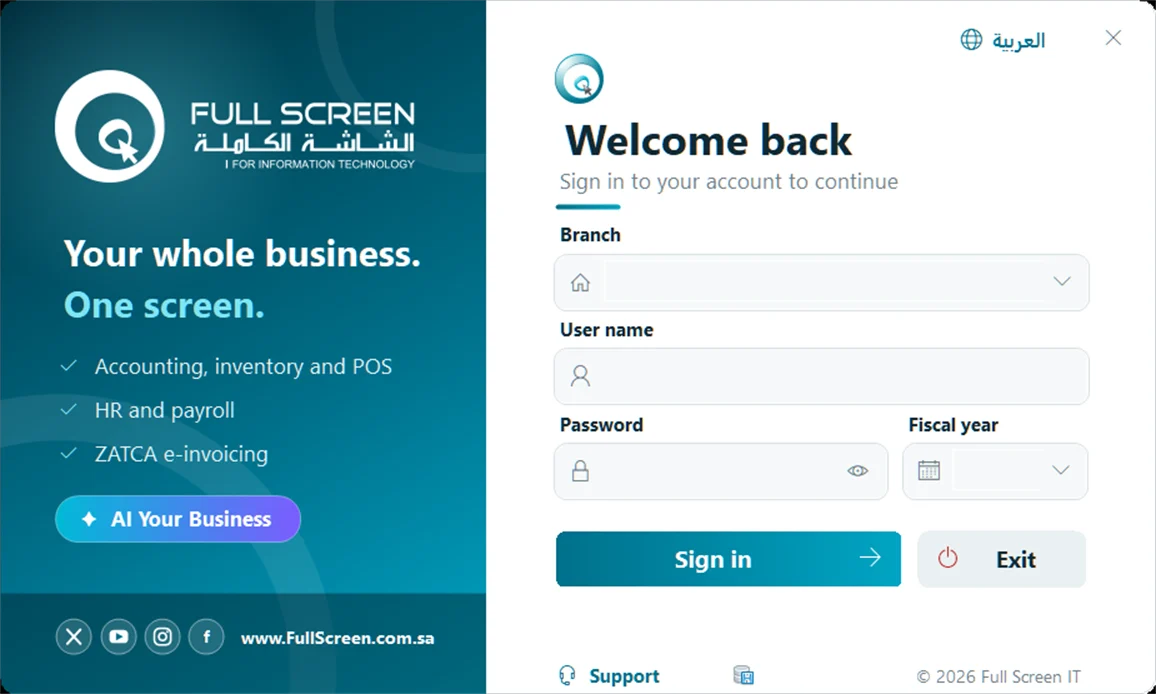
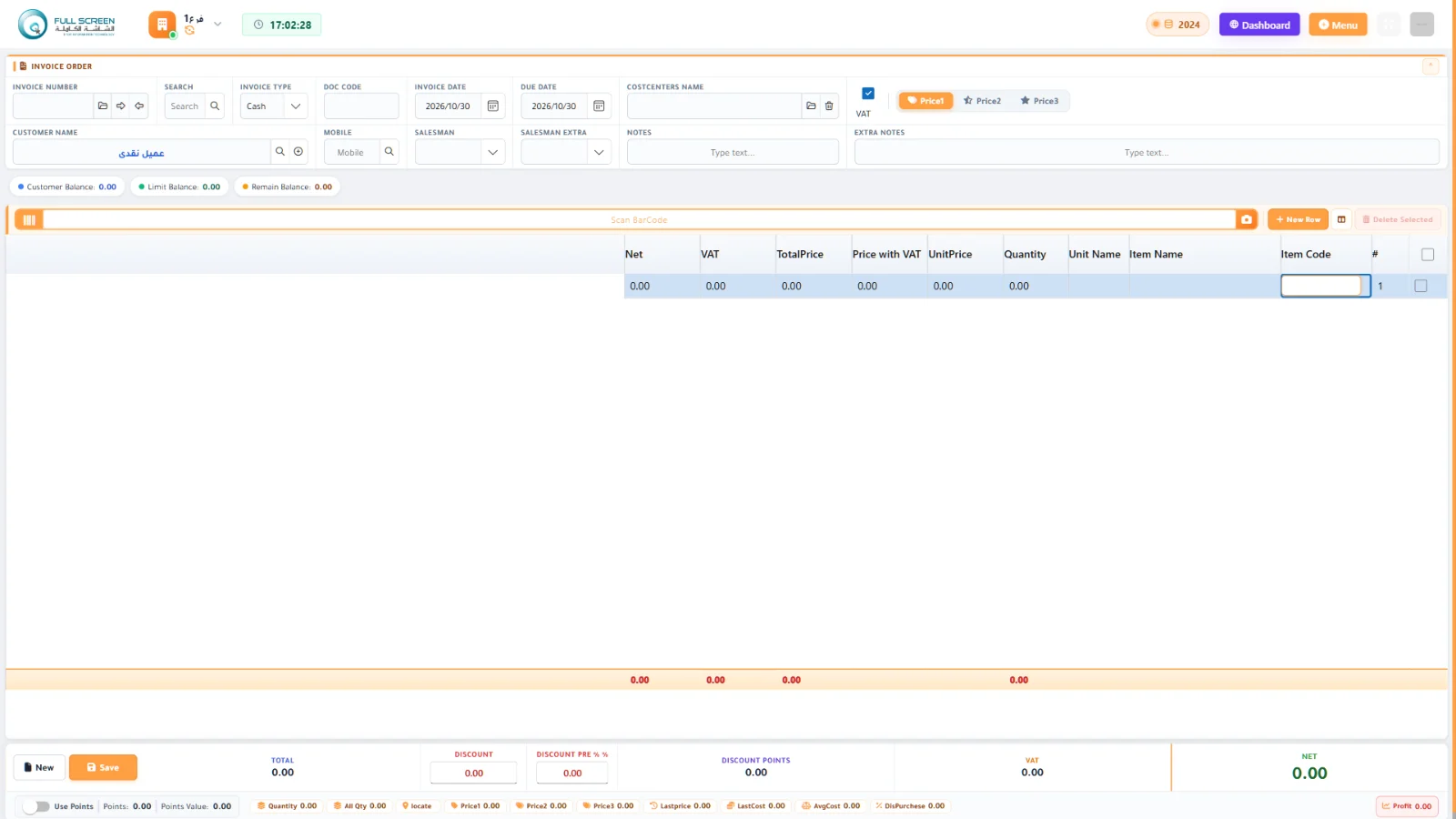
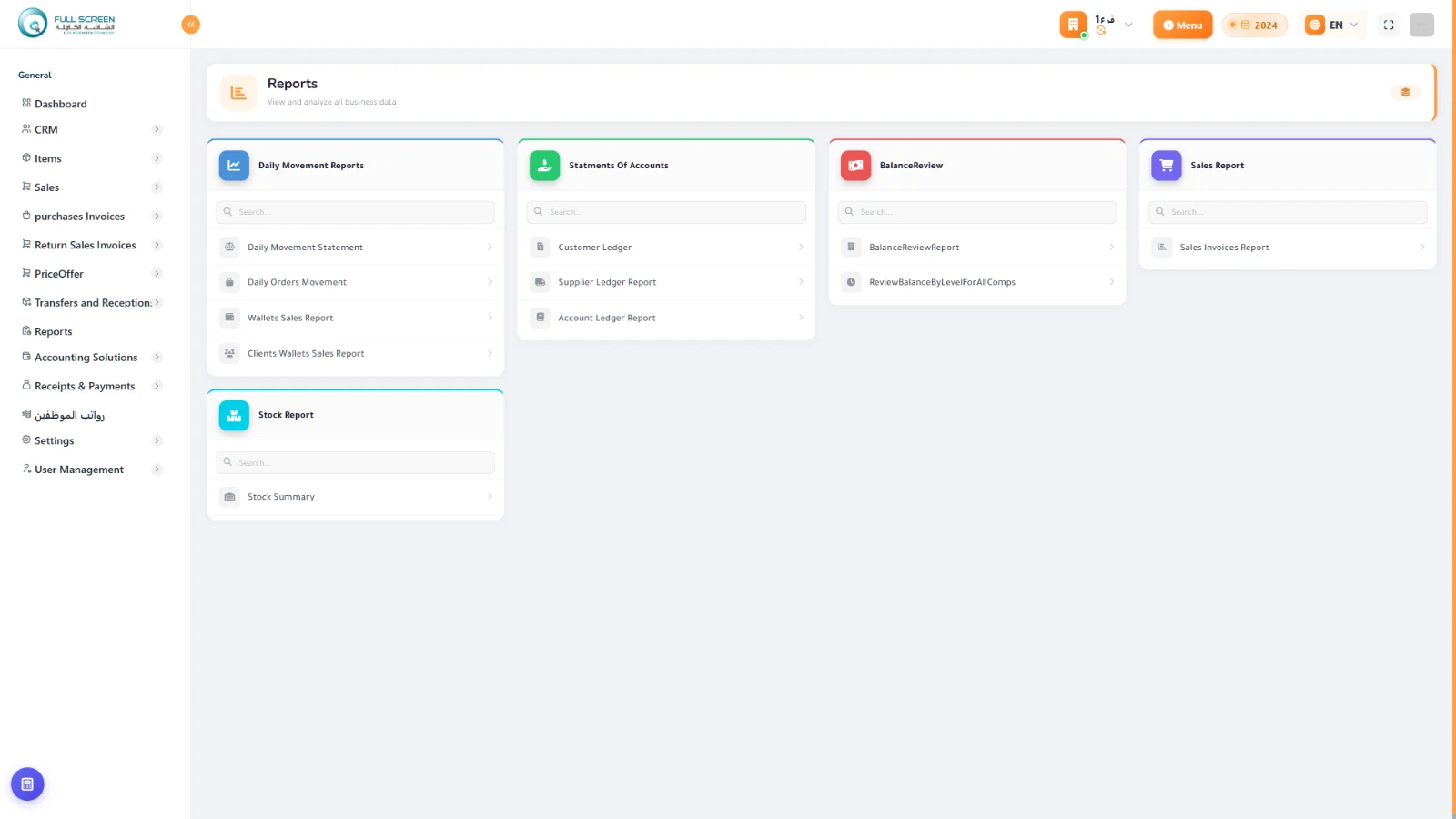
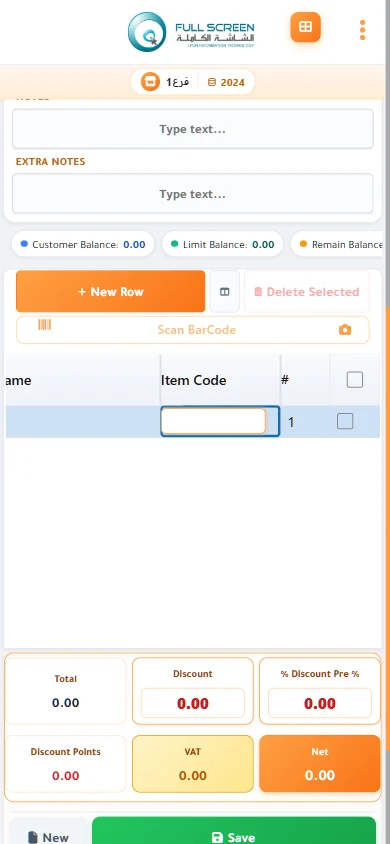
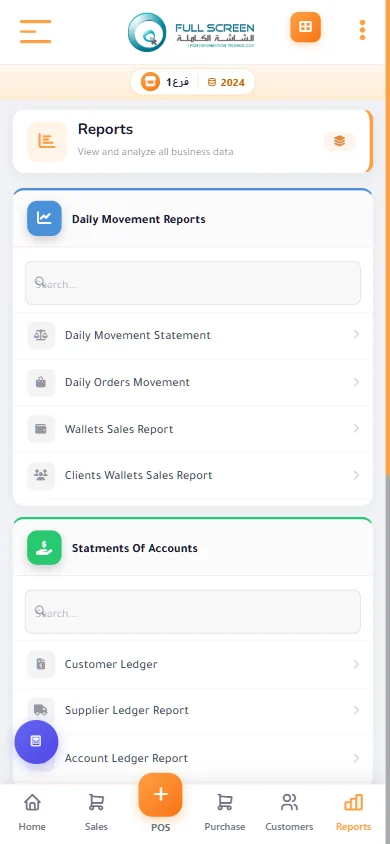
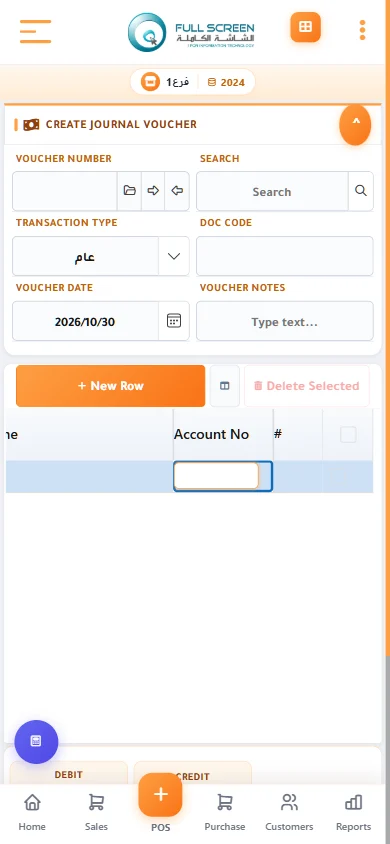
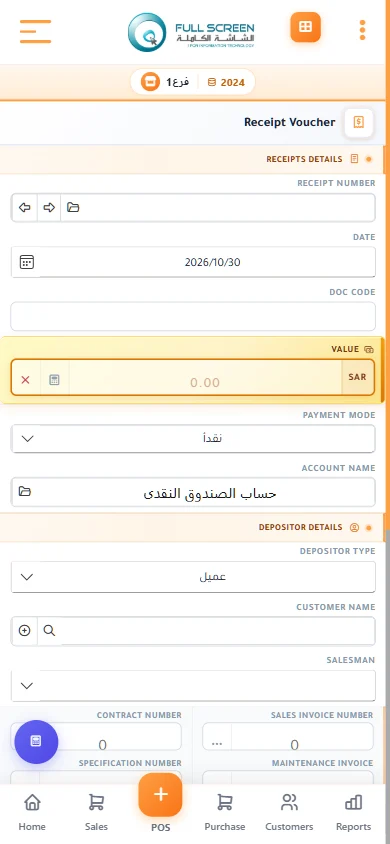
A modern Arabic and English interface, with every screen one search away.
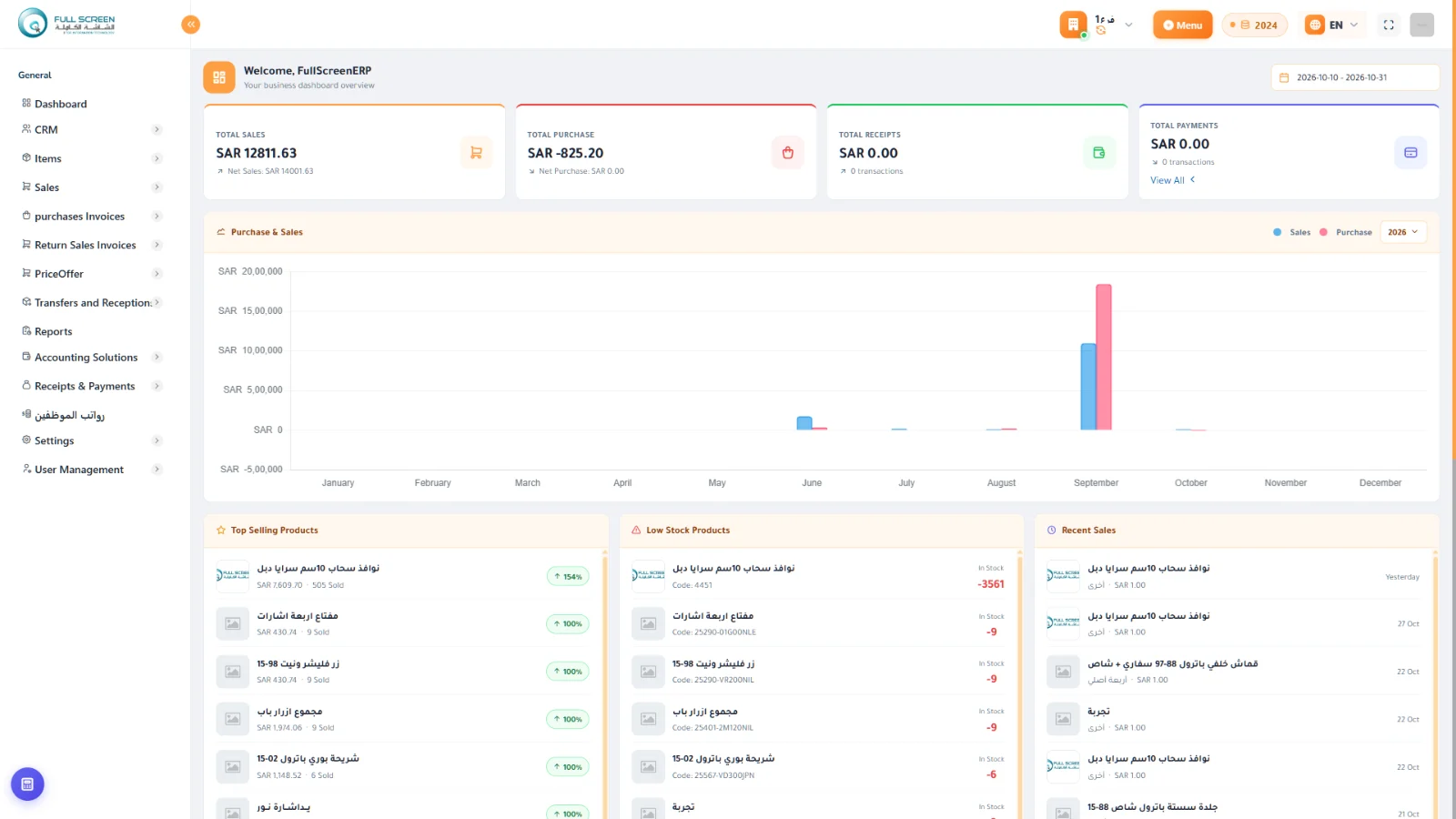
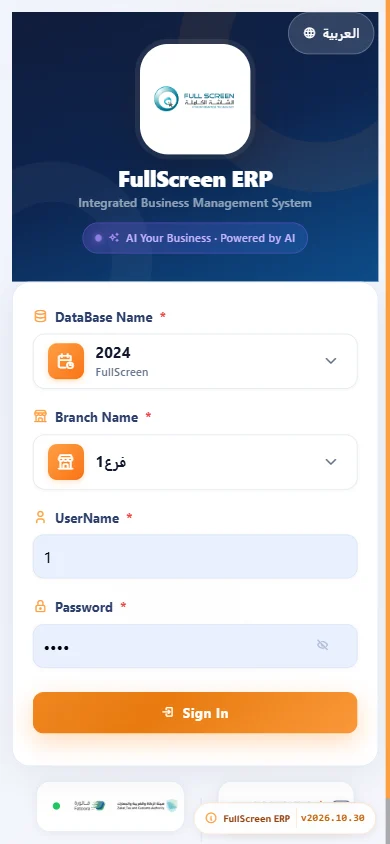
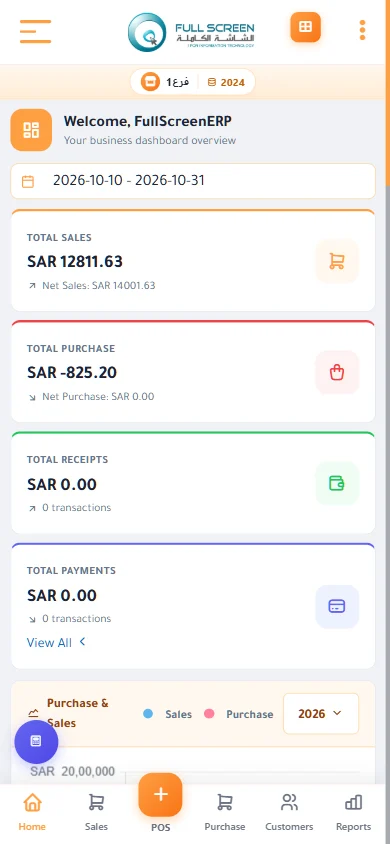
Cloud edition: in the browser and on mobile
The same system from any device with no installation, with a dashboard, point of sale and reports.
Modules
Not sure which modules you need? Describe your business and we suggest the right modules
Sales and POS
Fast cashier, invoices, returns, credit customers
6 features · 10 reportsCustomer loyalty points
Points on purchases, rewards, and redemption at the cashier
6 features · 10 reportsPromotions management
Discounts and “buy and get” offers for set periods
6 features · 10 reportsSelf-scan shopping app
Customers scan their products by phone and pay in seconds at the cashier
6 features · 3 reportsPurchasing and suppliers
AI purchasing, automatic orders, smart pricing
9 features · 7 reportsWarehouses and items
Multiple warehouses, stock counts, substitutes, permissions
6 features · 7 reportsStocktaking app
Faster stocktaking by phone, with automatic approval of overages and shortages
5 features · 4 reportsGeneral accounts
Chart of accounts, journal entries, vouchers, cost centers, statements
6 features · 8 reportsFixed assets
Asset register, depreciation, and disposal
6 features · 10 reportsHR and payroll
Employee records, fingerprint attendance, payroll, advances
5 features · 4 reportsE-invoicing
Phase 2 and FATOORA integration
5 features · 5 reportsReports and AI
Dozens of reports and an assistant that answers in your language
4 features · 6 reportsUsers, branches, and permissions
Granular permissions, multiple branches, tools
5 features · 3 reportsSupports different business structures
Questions about the system
Is the system limited to a specific business type?
Is there a limit on the number of users?
What database is used?
Is a trial version available?
Let's start with your needs
Tell us about your business, and we'll arrange a demo or consultation within one business day.